Nintendo SWITCH2 Motherboard Diagram, PCB & Schematic
Nintendo SWITCH2 console mainboard schematic diagram, boardview and PCB layout files.
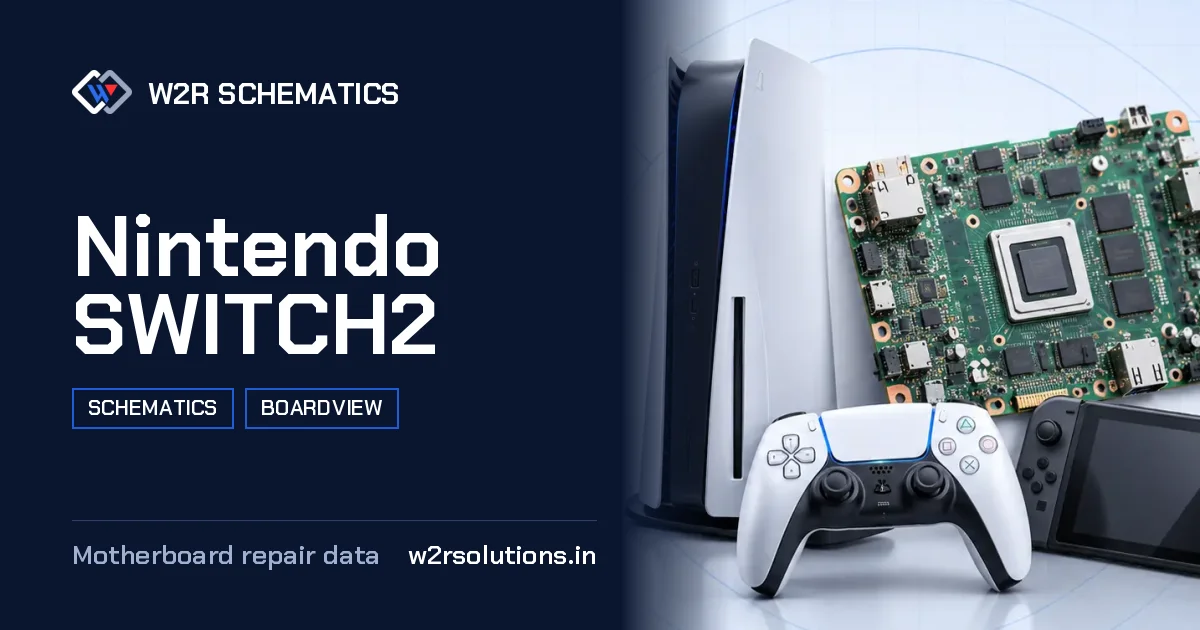
The Nintendo SWITCH2 is a hybrid handheld console mainboard that requires careful inspection and diagnosis for efficient repair. This board is an important component of the gaming ecosystem, and technicians must be familiar with its layout and functionality to effectively troubleshoot and repair issues.
Board Details
| Model | Nintendo SWITCH2 |
|---|---|
| Files | Schematic diagram · Boardview |
| Category | Gaming Console |
| Opens in | W2R Schematics desktop app (Windows 10 / 11) |
How the Board Is Laid Out
The mainboard can be divided into several key areas, including the processor section, memory and storage, battery and charging circuitry, screen and touch connectors, video output, Wi-Fi and Bluetooth modules, and the game card slot. A technician will typically start by inspecting the board's layout and identifying any visual signs of damage or wear.
Common Nintendo SWITCH2 Repairs
Screen and Touch
No display, backlight or touch faults.
Game Card Slot
Card slot pins and read faults.
Not Charging
Charging port and charge circuit faults.
No Dock Video
Works in handheld mode but no picture on the TV through the dock.
Reading the Schematic
When diagnosing issues on this board, a technician will often start by consulting the schematic, which provides a detailed diagram of the board's components and connections. By following a specific net or tracing a component's reference designator, technicians can quickly identify potential faults and develop a plan for repair.
- The schematic can be used to locate specific components, such as the processor or memory modules, and to identify connections between them.
- A technician can use the schematic to determine the signal flow and data paths on the board, which can be helpful in diagnosing issues with specific functions or features.
- The schematic can also be used to identify potential thermal or electrical issues, such as overheating or voltage drops, that may be affecting the board's performance.
- In some cases, the schematic may be used to develop custom repair solutions or to modify the board's functionality.
- When comparing readings or testing specific components, it is important to ensure that the board number and revision match the documentation and literature being used.
Before You Order Parts
Before ordering parts or attempting to repair the board, it is important to ensure that the board number and revision match the documentation and literature being used. This helps to prevent mistakes and ensures that the correct parts are ordered.
this board mainboard can be opened and viewed using the W2R Schematics desktop app for Windows 10 and 11, which provides a detailed boardview and PCB layout file for easy reference. By combining this information with the schematic, technicians can quickly and efficiently diagnose and repair issues on this board.
Nintendo SWITCH2 FAQ
Does W2R Schematics have the Nintendo SWITCH2 schematic diagram?
Yes. W2R Schematics has the Nintendo SWITCH2 schematic diagram, boardview and PCB layout. The files open in the W2R Schematics desktop app for Windows 10 and 11.
Can I find a component on the Nintendo SWITCH2 boardview?
Yes. In the W2R board viewer, right-click and choose Find Component or Find Net to highlight a part or signal on the Nintendo SWITCH2 board. When the schematic is linked to the board, double-clicking a net in the schematic highlights every pad on that net. Using the schematic and board together
Is the Nintendo SWITCH2 schematic free?
This page is free to read. The Nintendo SWITCH2 files open in the W2R Schematics app with a subscription. See plans and pricing
Also read: Nintendo SWITCH Endurance HAD-CPU-01 Schematics & Boardview
For similar diagnostics, refer to Nintendo SWITCH GamePad Schematics & Boardview.