Nintendo SWITCH GamePad Motherboard Diagram, PCB & Schematic
Schematic, boardview and PCB layout for the Nintendo SWITCH GamePad console mainboard.
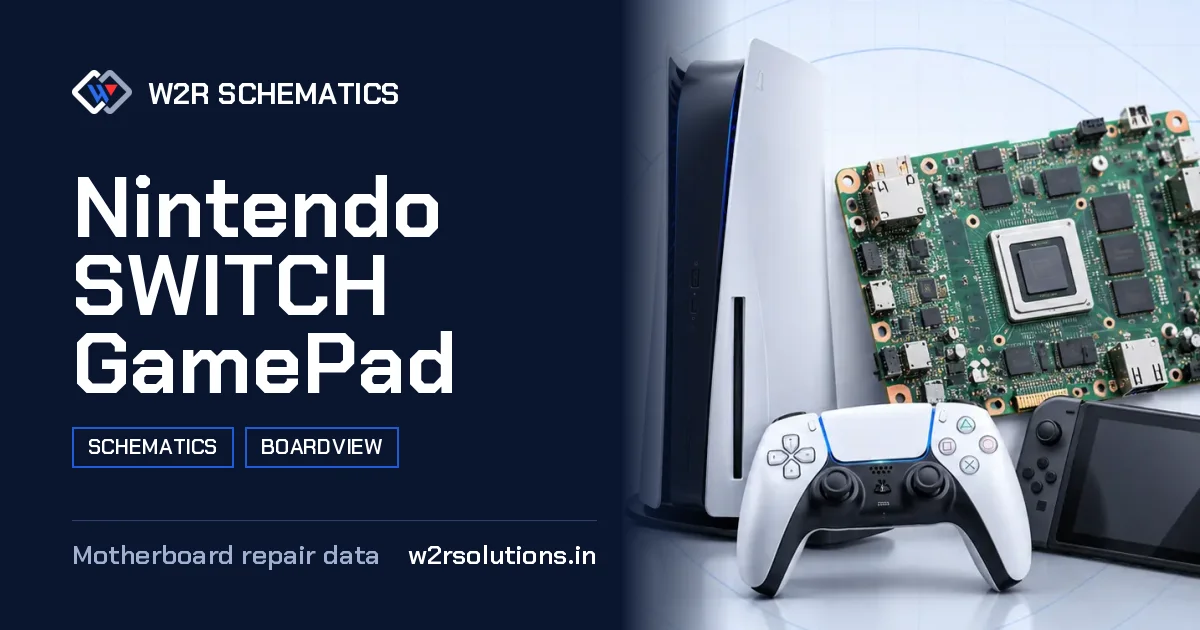
The Nintendo SWITCH GamePad is a unique hybrid handheld console mainboard that combines the functionality of a home console with the portability of a handheld device. Unlike other console mainboards, it has a processor, memory, storage, a battery and USB-C charging circuit, the screen and touch connectors, video out through the dock, Wi-Fi, Bluetooth, a game card slot and a cooling fan.
Board Details
| Model | Nintendo SWITCH GamePad |
|---|---|
| Files | Schematic diagram · Boardview |
| Category | Gaming Console |
| Opens in | W2R Schematics desktop app (Windows 10 / 11) |
Nintendo SWITCH GamePad Repair Topics
Not Charging
No charge from USB-C, charging stops or the battery never fills.
Screen and Touch
No display, backlight or touch faults.
Wi-Fi and Bluetooth
Wireless module and antenna faults.
Game Card Slot
Card slot pins and read faults.
No Dock Video
Dock video output faults.
Measuring Safely
When working on this board, it is important to ensure all power sources are turned off before attempting any measurements. This includes removing the batteries and unplugging the USB-C charger. Additionally, it is recommended to use diode mode on the multimeter to avoid any accidental shorts with the probes.
- The board's components are sensitive to static electricity, so it is important to use an anti-static wrist strap or mat while working on it.
- When using a multimeter, always set the range to the highest value to avoid any potential damage to the board.
- Use a magnifying glass or a handheld magnifier to get a closer look at the board's components.
- Keep the workspace clean and organized to avoid any accidental damage to the board or surrounding components.
- Always refer to the board's documentation and manufacturer's guidelines for specific measurement and testing procedures.
First Checks on the Bench
Before attempting any repairs, it is important to perform a visual inspection of the board to identify any obvious signs of damage or malfunction. Additionally, technicians should check for any shorts or opens on the board by comparing it to a known-good board.
Using the Boardview
The boardview is an invaluable tool for technicians working on this board. It provides a detailed and accurate representation of the board's components and their relationships. This allows technicians to quickly locate specific components, determine their orientation, and trace the flow of signals between them.
The Nintendo SWITCH GamePad's schematic, boardview, and PCB layout files are available for download in the W2R Schematics desktop app for Windows 10 and 11, providing technicians with a full understanding of the board's inner workings and facilitating efficient and effective repairs.
Nintendo SWITCH GamePad FAQ
Does W2R Schematics have the Nintendo SWITCH GamePad schematic diagram?
Yes. W2R Schematics has the Nintendo SWITCH GamePad schematic diagram, boardview and PCB layout. The files open in the W2R Schematics desktop app for Windows 10 and 11.
Can I find a component on the Nintendo SWITCH GamePad boardview?
Yes. In the W2R board viewer, right-click and choose Find Component or Find Net to highlight a part or signal on the Nintendo SWITCH GamePad board. When the schematic is linked to the board, double-clicking a net in the schematic highlights every pad on that net. Using the schematic and board together
Is the Nintendo SWITCH GamePad schematic free?
This page is free to read. The Nintendo SWITCH GamePad files open in the W2R Schematics app with a subscription. See plans and pricing
Also read: Nintendo SWITCH LITE HDH-CPU-02 Schematics & Boardview
For similar diagnostics, refer to Nintendo SWITCH NS-HAC-CPU-20 Schematics & Boardview.