Nintendo SWITCH Endurance HAD-CPU-01 Motherboard Diagram, PCB & Schematic
Schematic, boardview and PCB layout for the Nintendo SWITCH Endurance HAD-CPU-01 console mainboard.
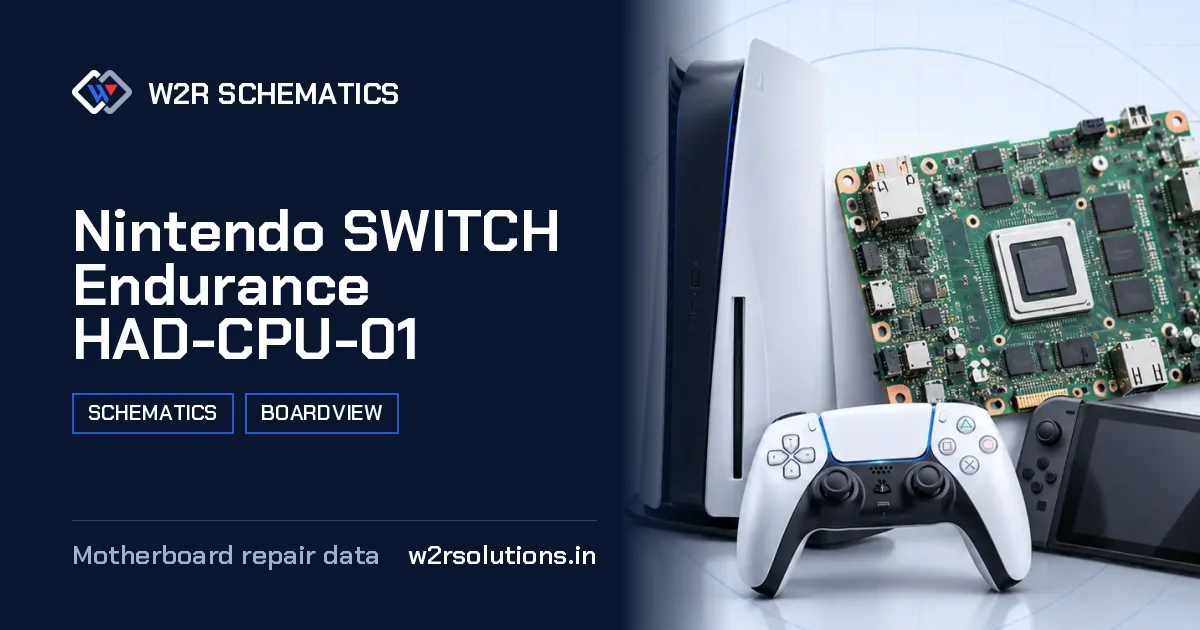
The Nintendo SWITCH Endurance HAD-CPU-01 is a hybrid handheld console mainboard that requires attention from experienced repair technicians. When this board arrives on the bench, the first thing to do is visually inspect the board for any signs of physical damage or burn marks.
Board Details
| Model | Nintendo SWITCH Endurance HAD-CPU-01 |
|---|---|
| Files | Schematic diagram · Boardview |
| Category | Gaming Console |
| Opens in | W2R Schematics desktop app (Windows 10 / 11) |
After the Repair
After completing a repair on this board, it is important to re-test the screen and touch functionality to ensure that the repair was successful. Additionally, the board's Wi-Fi and Bluetooth connectivity should be verified to confirm that they are functioning properly.
Common Nintendo SWITCH Endurance HAD-CPU-01 Repairs
Wi-Fi and Bluetooth
Wireless module and antenna faults.
Not Charging
No charge from USB-C, charging stops or the battery never fills.
Overheating and Fan
Fan faults and heat shutdowns.
No Dock Video
Dock video output faults.
Where Faults Usually Start
Many faults with this board typically begin with issues related to the battery charging circuit, with symptoms such as slow charging or complete failure to charge. Other common problems include malfunctioning screen or touch controls, as well as issues with game card slot recognition or data transfer.
Before You Order Parts
When ordering parts or comparing readings for this board, it is important to ensure that the board number and revision match the specific part or reading being compared. This is particularly important when dealing with components that have specific tolerances or requirements.
- The board's processor and memory configurations should be verified to ensure compatibility with any replacement parts.
- The storage capacity and type should be checked to determine the correct replacement.
- The battery chemistry and capacity should be confirmed to ensure the correct replacement.
- The screen and touch connectors should be inspected for any signs of physical damage or wear.
- The video out circuit should be verified to ensure that it is functioning correctly and compatible with any replacement parts.
this board is a complex board that requires careful attention to detail to diagnose and repair. The W2R Schematics desktop app for Windows 10 and 11 provides a full view of the board's schematic, boardview, and PCB layout files, allowing technicians to quickly and accurately identify and troubleshoot issues.
Nintendo SWITCH Endurance HAD-CPU-01 FAQ
Does W2R Schematics have the Nintendo SWITCH Endurance HAD-CPU-01 schematic diagram?
Yes. W2R Schematics has the Nintendo SWITCH Endurance HAD-CPU-01 schematic diagram, boardview and PCB layout. The files open in the W2R Schematics desktop app for Windows 10 and 11.
Can I find a component on the Nintendo SWITCH Endurance HAD-CPU-01 boardview?
Yes. In the W2R board viewer, right-click and choose Find Component or Find Net to highlight a part or signal on the Nintendo SWITCH Endurance HAD-CPU-01 board. When the schematic is linked to the board, double-clicking a net in the schematic highlights every pad on that net. Using the schematic and board together
Is the Nintendo SWITCH Endurance HAD-CPU-01 schematic free?
This page is free to read. The Nintendo SWITCH Endurance HAD-CPU-01 files open in the W2R Schematics app with a subscription. See plans and pricing
Also read: Nintendo SWITCH LITE HDH-CPU-02 Schematics & Boardview
For similar diagnostics, refer to Nintendo SWITCH GamePad Schematics & Boardview.