Steam Deck OLED Motherboard Diagram, PCB & Schematic
Schematic, boardview and PCB layout for the Steam Deck OLED handheld mainboard.
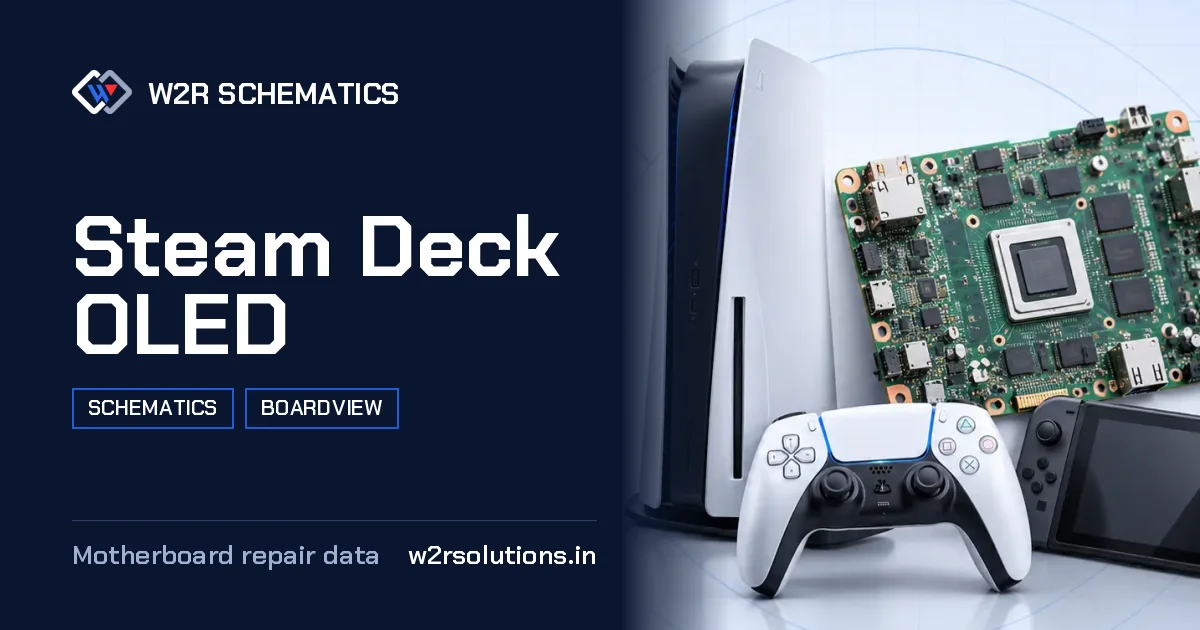
The Steam Deck OLED is a handheld console mainboard designed for gaming on the go. This board features a processor, memory, storage, a battery, USB-C charging circuit, screen connector, controls, Wi-Fi, Bluetooth, and a cooling fan.
Board Details
| Model | Steam Deck OLED |
|---|---|
| Files | Schematic diagram · Boardview |
| Category | Gaming Console |
| Opens in | W2R Schematics desktop app (Windows 10 / 11) |
Where Faults Usually Start
Typically, this type of board is brought to the bench due to issues with the charging circuit, battery, or power management. Common faults include malfunctioning USB-C ports, stuck buttons, and display problems.
- Power management IC errors
- Failed battery calibration
- Malfunctioning charging IC
- Stuck or unresponsive buttons
- Display flicker or complete failure
What Brings a this device to the Bench
Screen and Backlight
No display, dim screen and backlight faults.
Overheating and Fan
Fan noise, fan faults and heat shutdowns.
Storage and Boot
Storage not detected and boot faults.
Not Charging
No charge from USB-C, charging stops or the battery never fills.
Before You Order Parts
When troubleshooting this board, it is important to ensure that the board number and revision match the known-good board you are comparing it to. This ensures accurate diagnosis and prevents ordering the wrong parts.
Measuring Safely
When measuring this type of board, it is important to power it off before proceeding. Use diode mode to prevent accidental shorts with your probes, and always double-check your measurements to avoid errors.
this board is a handheld console mainboard designed for gaming on the go. For detailed information, the schematic, boardview, and PCB layout files are available for the W2R Schematics desktop app for Windows 10 and 11.
Steam Deck OLED FAQ
Does W2R Schematics have the Steam Deck OLED schematic diagram?
Yes. W2R Schematics has the Steam Deck OLED schematic diagram, boardview and PCB layout. The files open in the W2R Schematics desktop app for Windows 10 and 11.
Can I find a component on the Steam Deck OLED boardview?
Yes. In the W2R board viewer, right-click and choose Find Component or Find Net to highlight a part or signal on the Steam Deck OLED board. When the schematic is linked to the board, double-clicking a net in the schematic highlights every pad on that net. Using the schematic and board together
Is the Steam Deck OLED schematic free?
This page is free to read. The Steam Deck OLED files open in the W2R Schematics app with a subscription. See plans and pricing
Also read: Steam Deck LCD Schematics & Boardview
For similar diagnostics, refer to Sony PlayStation PS2 Schematics & Boardview.