Sony PlayStation PS3 Motherboard Diagram, PCB & Schematic
Sony PlayStation PS3 console mainboard schematic diagram, boardview and PCB layout files.
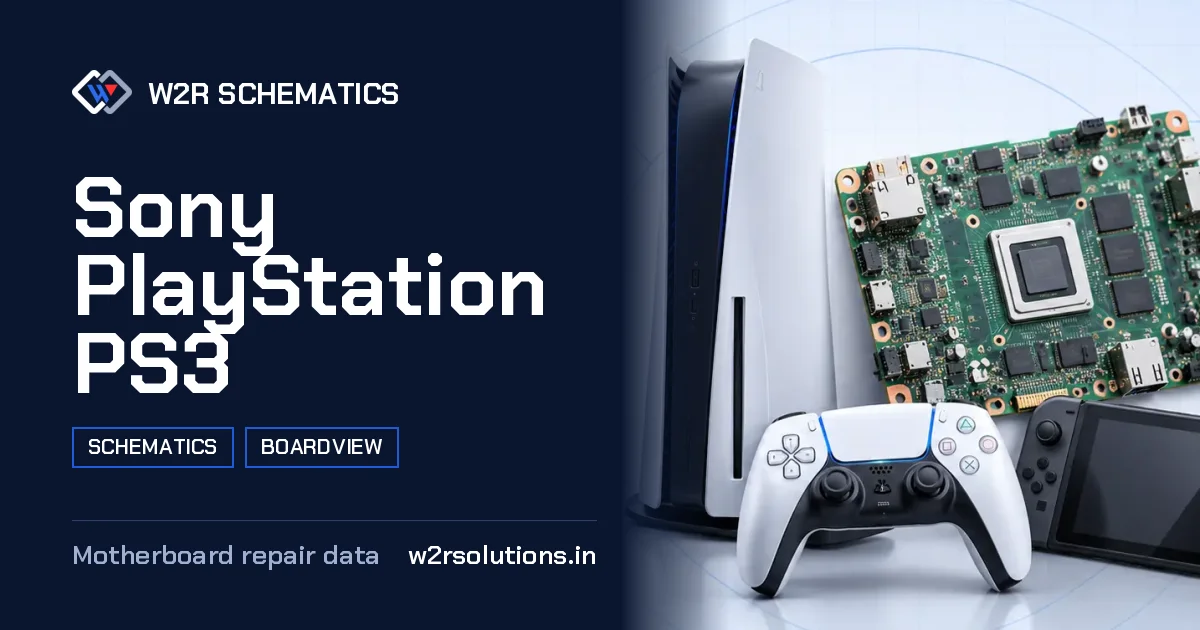
The Sony PlayStation PS3 is a home console mainboard that requires careful handling and diagnosis to repair. This board is a complex electronic device that requires a good understanding of its layout and functionality to identify and fix faults.
Board Details
| Model | Sony PlayStation PS3 |
|---|---|
| Files | Schematic diagram · Boardview |
| Category | Gaming Console |
| Opens in | W2R Schematics desktop app (Windows 10 / 11) |
Sony PlayStation PS3 Repair Topics
USB Ports
USB port damage and port power.
No Video
No picture on HDMI and HDMI port damage.
Overheating
Heat-related failures and the fan circuit.
Disc Drive
Optical drive connector and power faults.
No Power
No power, power button and standby faults.
How the Board Is Laid Out
This board is divided into main areas, including the processor, memory, and storage interface sections, which are important for overall system performance. The power circuits, including the voltage regulators and switching converters, are also important to diagnose and repair. The HDMI output, USB ports, and network connectivity components are also key areas to inspect.
Measuring Safely
When measuring this board, it's important to ensure the power is off and the board is disconnected from any power sources. Diode mode measurements can help identify faulty components, and using probes to avoid shorts is important to prevent damage to the board or yourself. Here are some specific points to keep in mind:
- Use a high-impedance probe to measure voltage levels.
- Set the multimeter to diode test mode to measure component resistance.
- Avoid touching any exposed copper pads or pins to prevent electrical shock.
- Use a thermometer to measure the board's temperature, especially near the cooling fan connector.
- Ground yourself by touching a grounded metal object or wearing an anti-static wrist strap to prevent static damage to the board.
Where Faults Usually Start
The most common faults that bring this board to the bench include issues with the cooling fan, power supply, or memory modules. Faulty components such as capacitors, resistors, or ICs can also cause problems, and the HDMI output and USB ports can also malfunction. Understanding the board's layout and functionality is key to identifying and repairing these common faults.
This board requires a good understanding of its layout and functionality to identify and fix faults. The schematic, boardview, and PCB layout files for this board open in the W2R Schematics desktop app for Windows 10 and 11, providing a detailed reference for repair and maintenance.
Sony PlayStation PS3 FAQ
Does W2R Schematics have the Sony PlayStation PS3 schematic diagram?
Yes. W2R Schematics has the Sony PlayStation PS3 schematic diagram, boardview and PCB layout. The files open in the W2R Schematics desktop app for Windows 10 and 11.
Can I find a component on the Sony PlayStation PS3 boardview?
Yes. In the W2R board viewer, right-click and choose Find Component or Find Net to highlight a part or signal on the Sony PlayStation PS3 board. When the schematic is linked to the board, double-clicking a net in the schematic highlights every pad on that net. Using the schematic and board together
Is the Sony PlayStation PS3 schematic free?
This page is free to read. The Sony PlayStation PS3 files open in the W2R Schematics app with a subscription. See plans and pricing
Also read: Sony PlayStation PS1 Schematics & Boardview
For similar diagnostics, refer to Sony PlayStation PS2 Schematics & Boardview.