
Partners & Link Kit
1. The official link
Use this exact link and text wherever you mention us. Copy the HTML for a website, or the plain URL for a video description or message.
<a href="https://w2rsolutions.in/">W2R Schematics – Mobile Schematic Diagram & Boardview Tool</a>
https://w2rsolutions.in/. Use “W2R Schematics” as the link text. Put the link where your visitors will see it — next to the product, or on the first line of a video description.2. Approved wording
Copy as-is, or shorten. Please keep the product name exactly as written: W2R Schematics (not “W2R Tool” or “w2r schematic”).
- Product name: W2R Schematics. Company: W2R Solutions & Schematics, India.
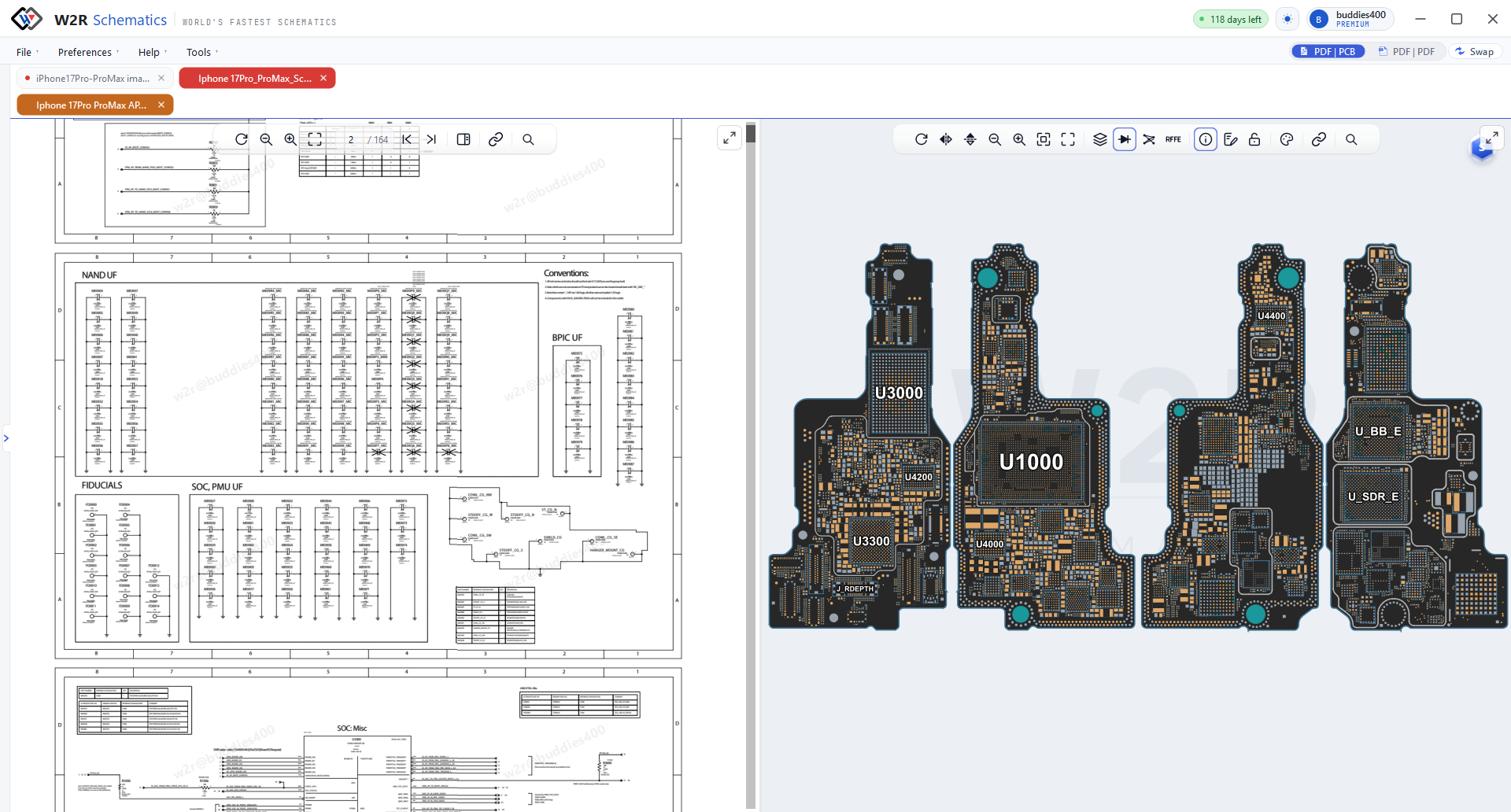
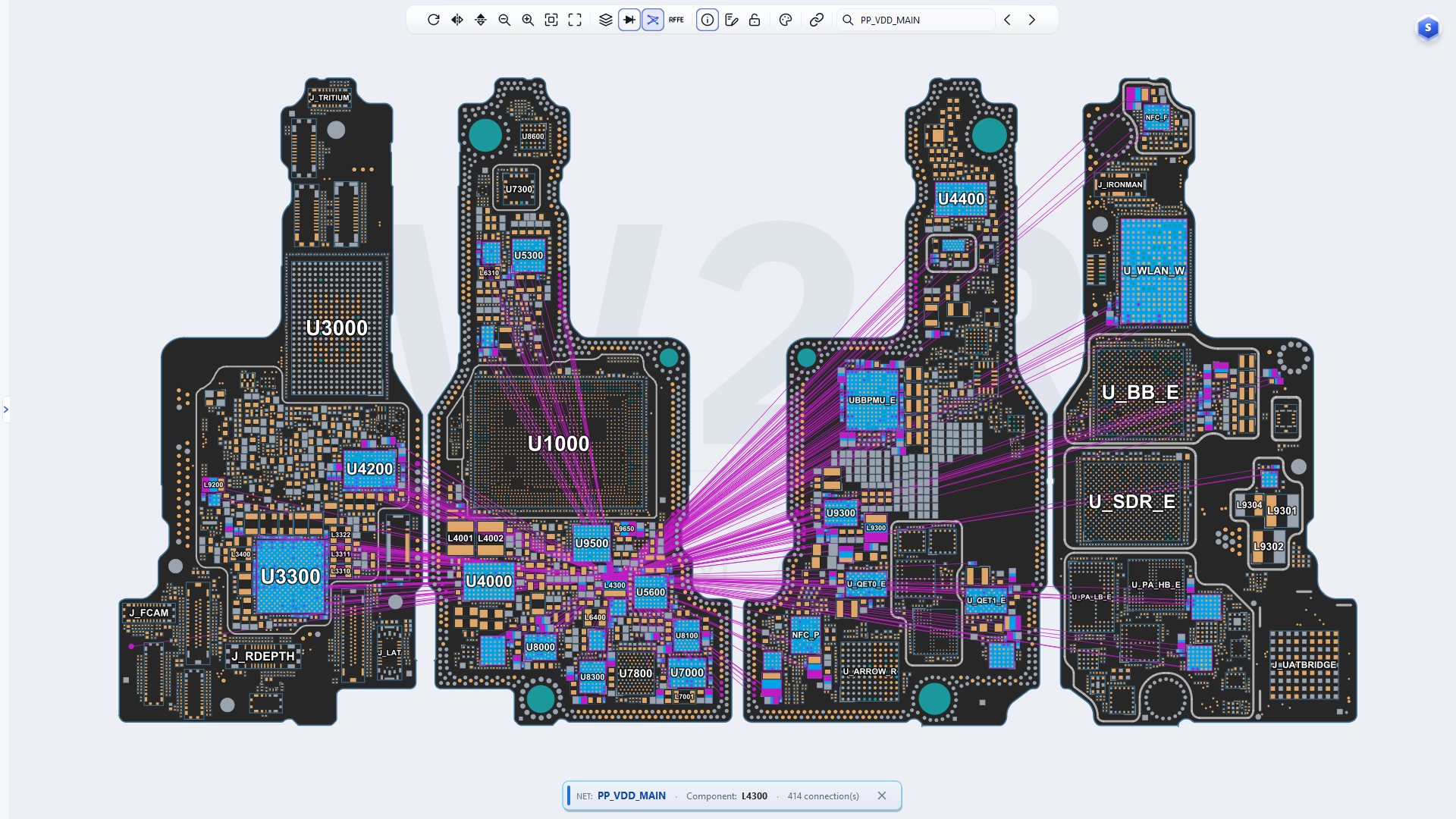
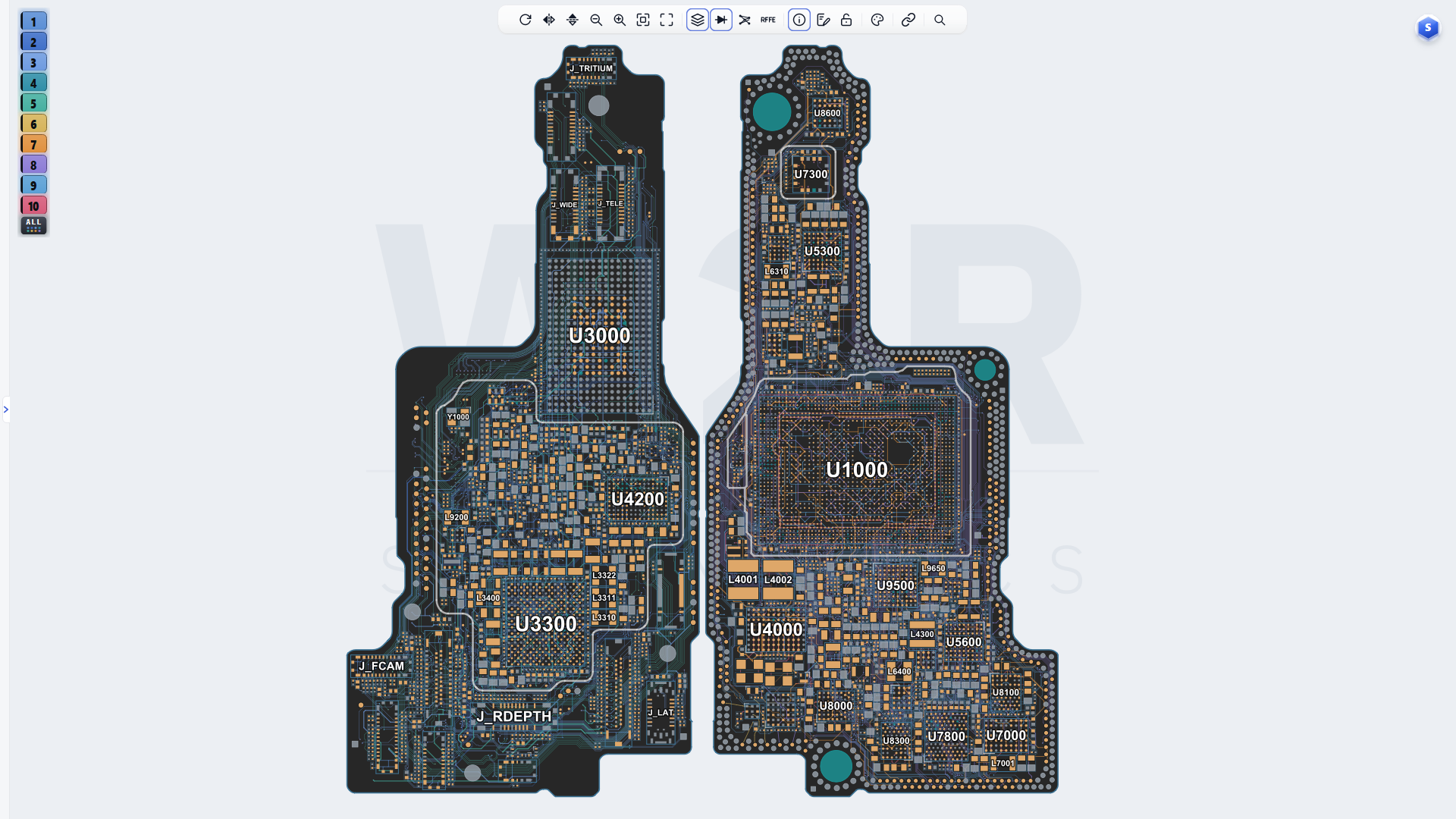
- What it is: a schematic diagram, boardview and bitmap tool for repair technicians. It is a reference and diagnostic tool — not PCB design software.
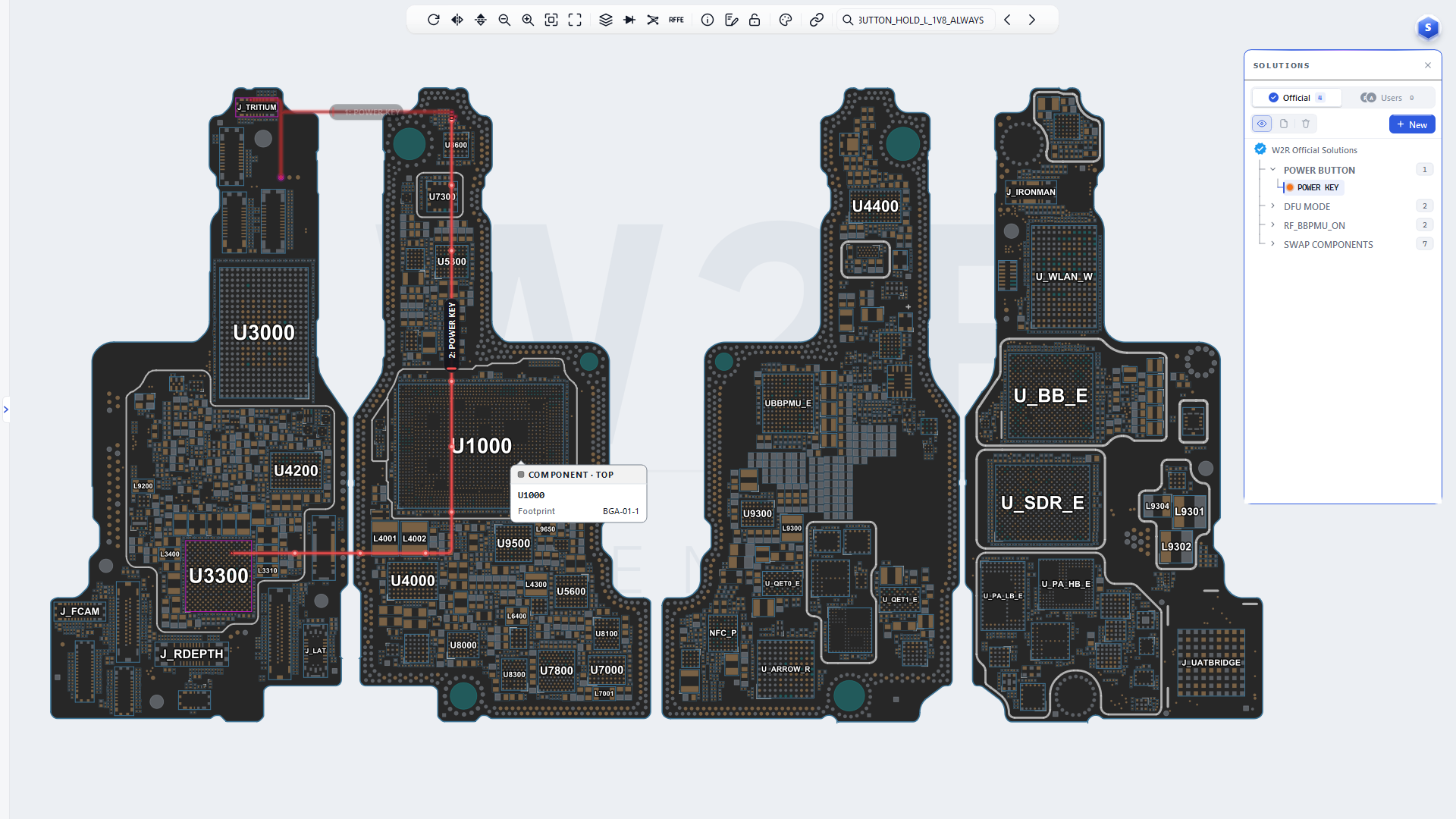
- Hardware solutions: annotated repair guides — jumper routes, replacement parts and reball diagrams, drawn over the board. The schematic and boardview show where the fault is; the hardware solution shows how to fix it.
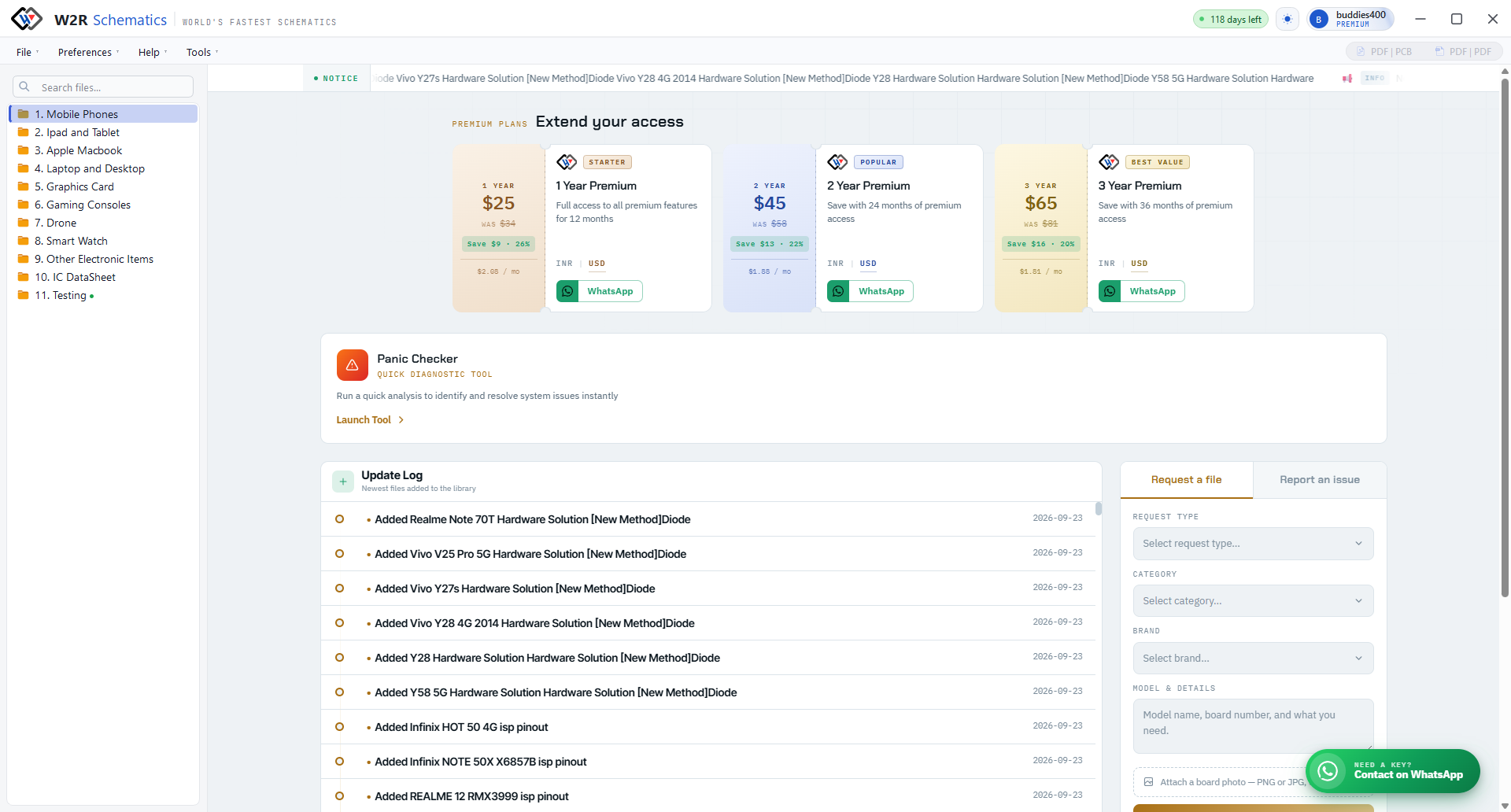
- Plans: 1-, 2- and 3-year subscriptions; a free trial is available. Current prices are on the home page.
3. Logo
Transparent background, so it sits on any colour. Keep clear space around it at least the height of the “W”; don’t stretch, recolour or add effects. Need an SVG or a specific size? Ask — we’ll send it the same day.
4. Screenshots
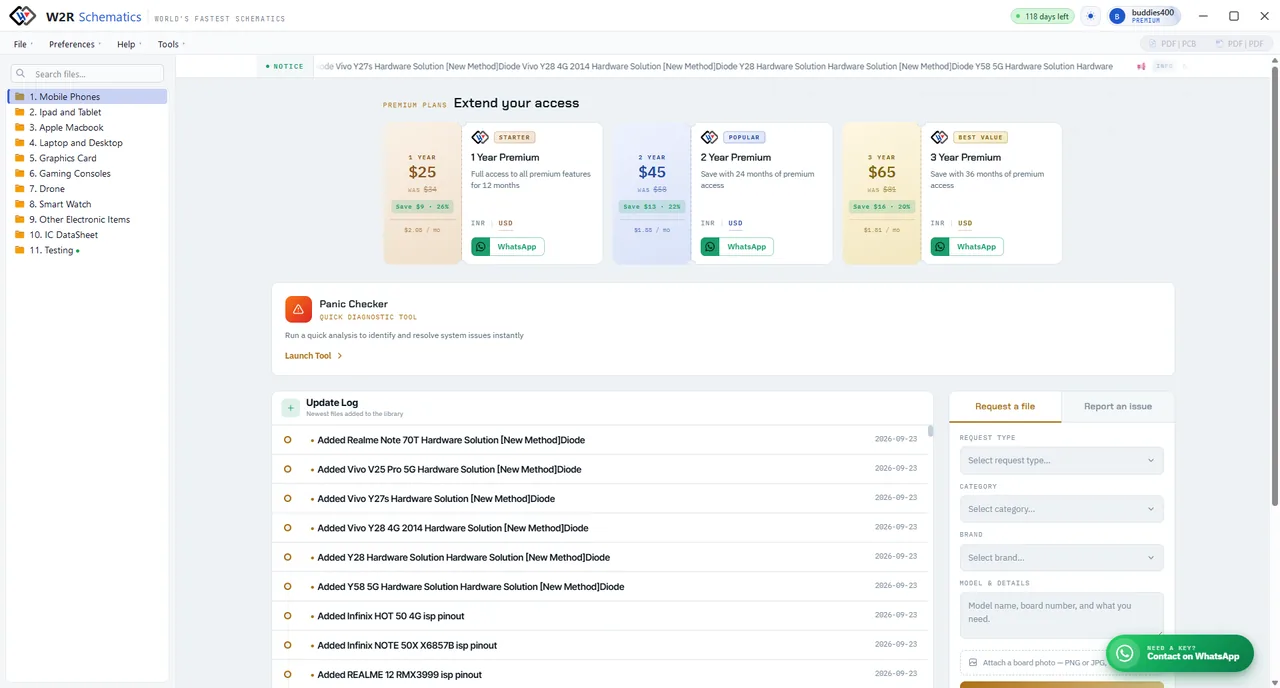
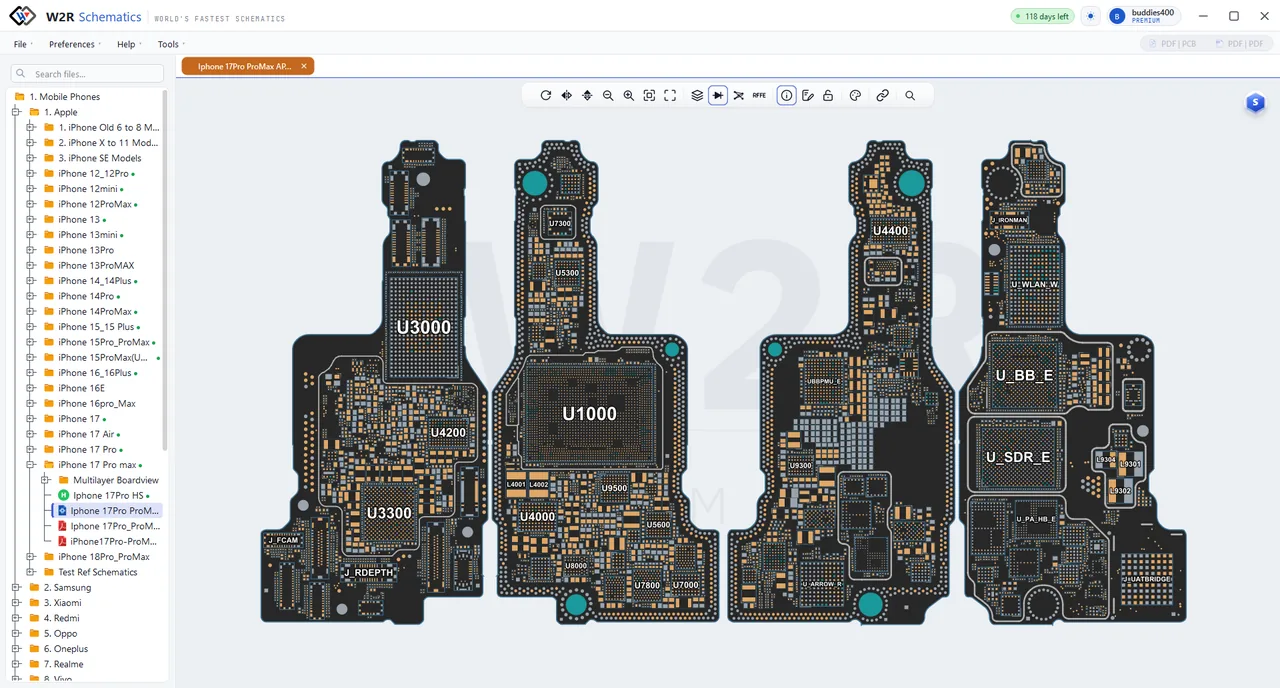
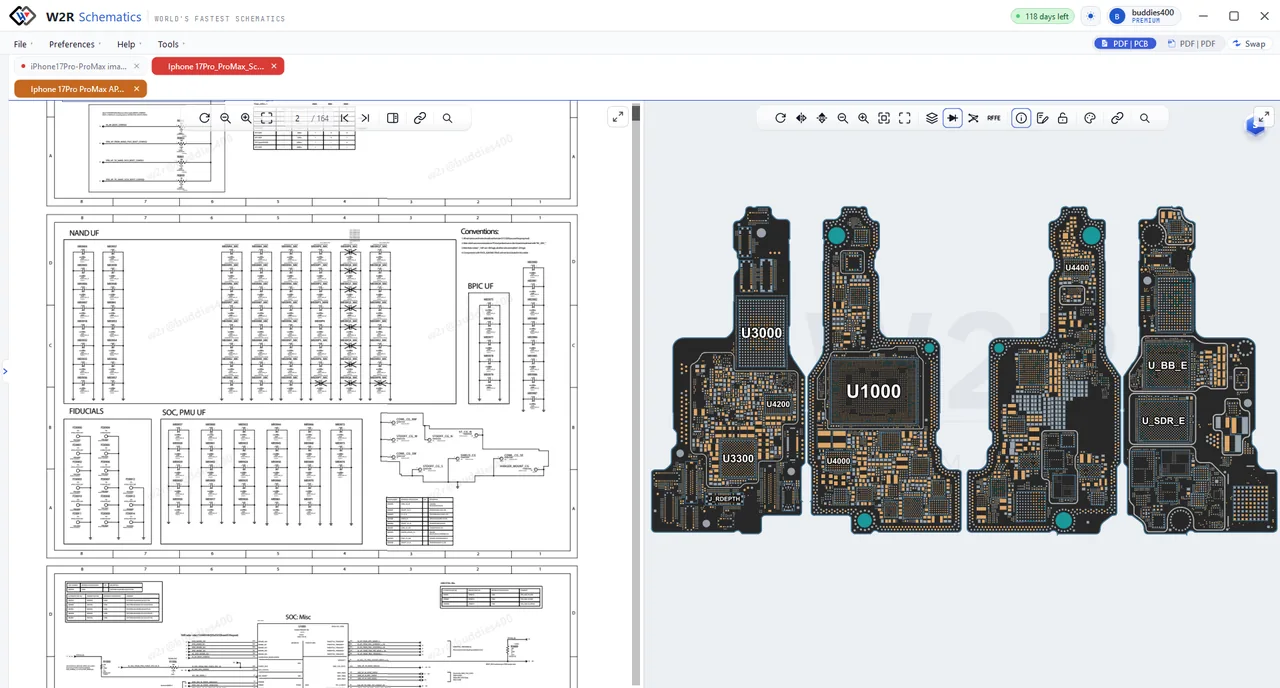
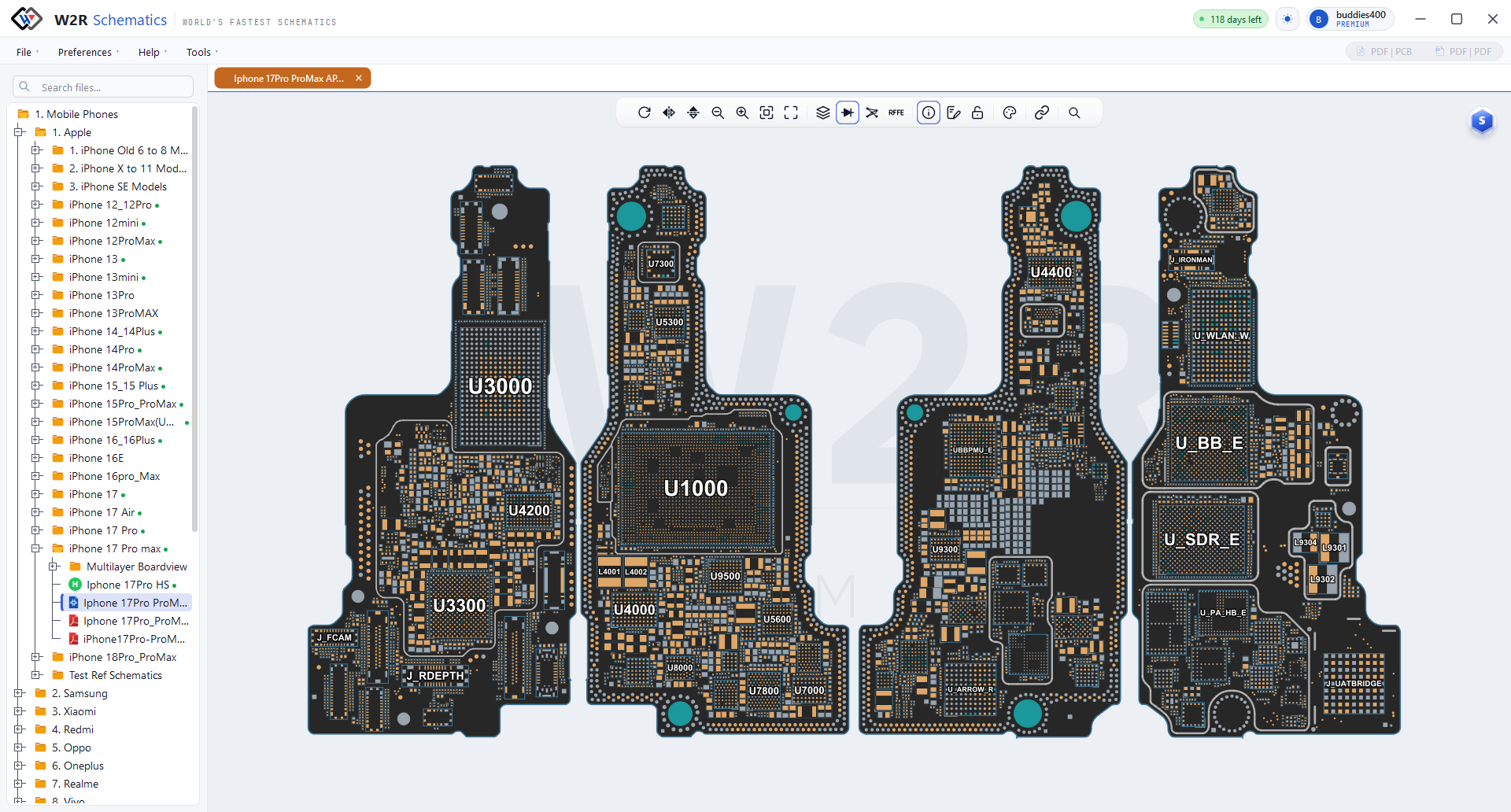
Real product screenshots, free to use in listings, reviews and videos. Please don’t crop out the interface chrome or overlay another brand’s watermark.
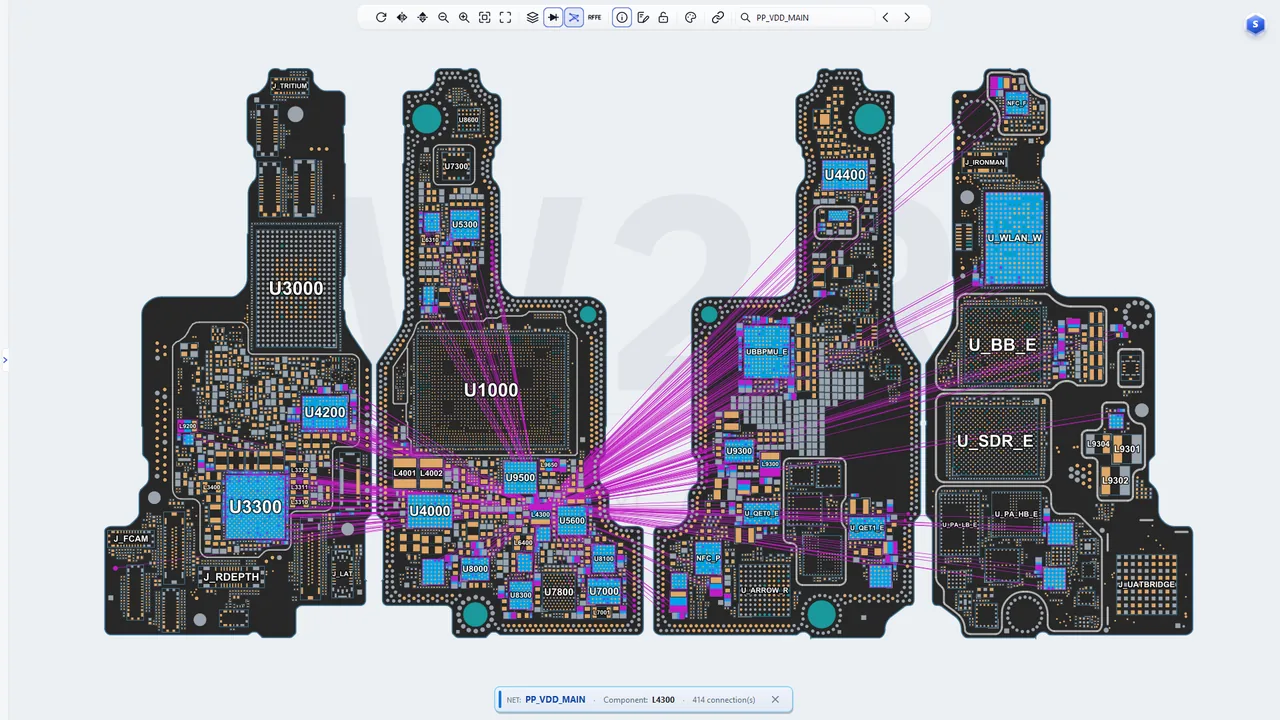
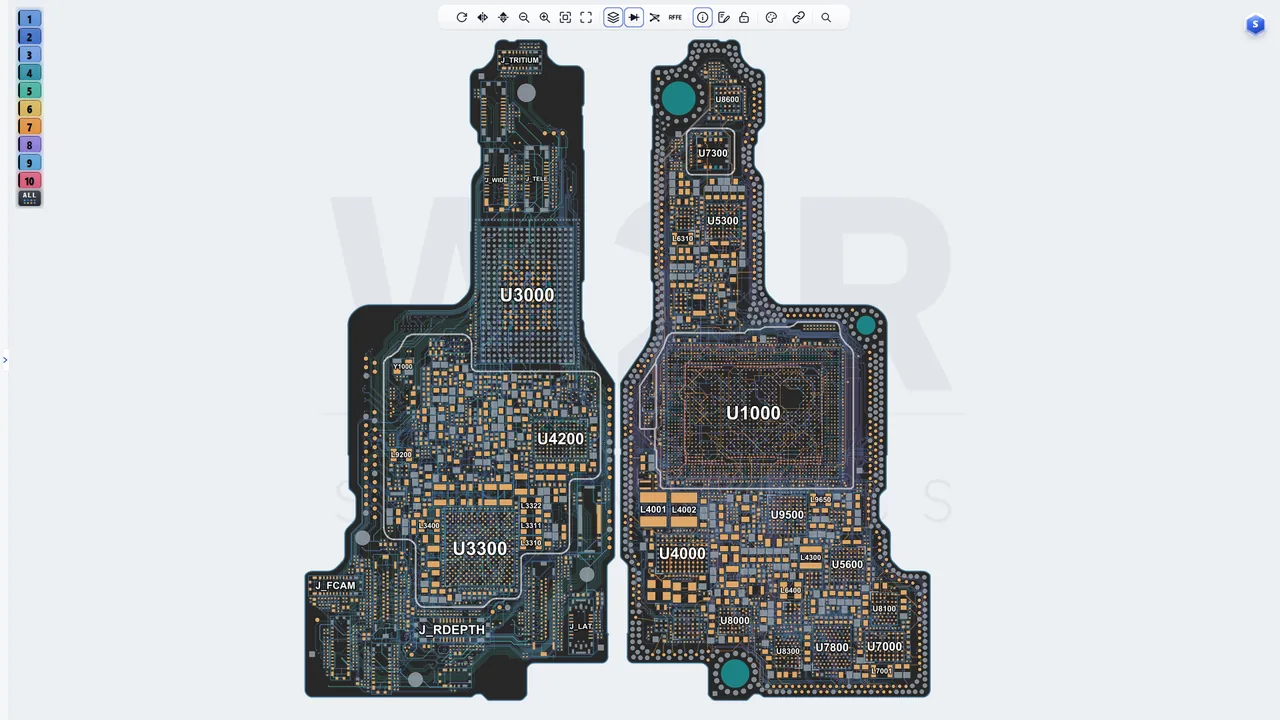
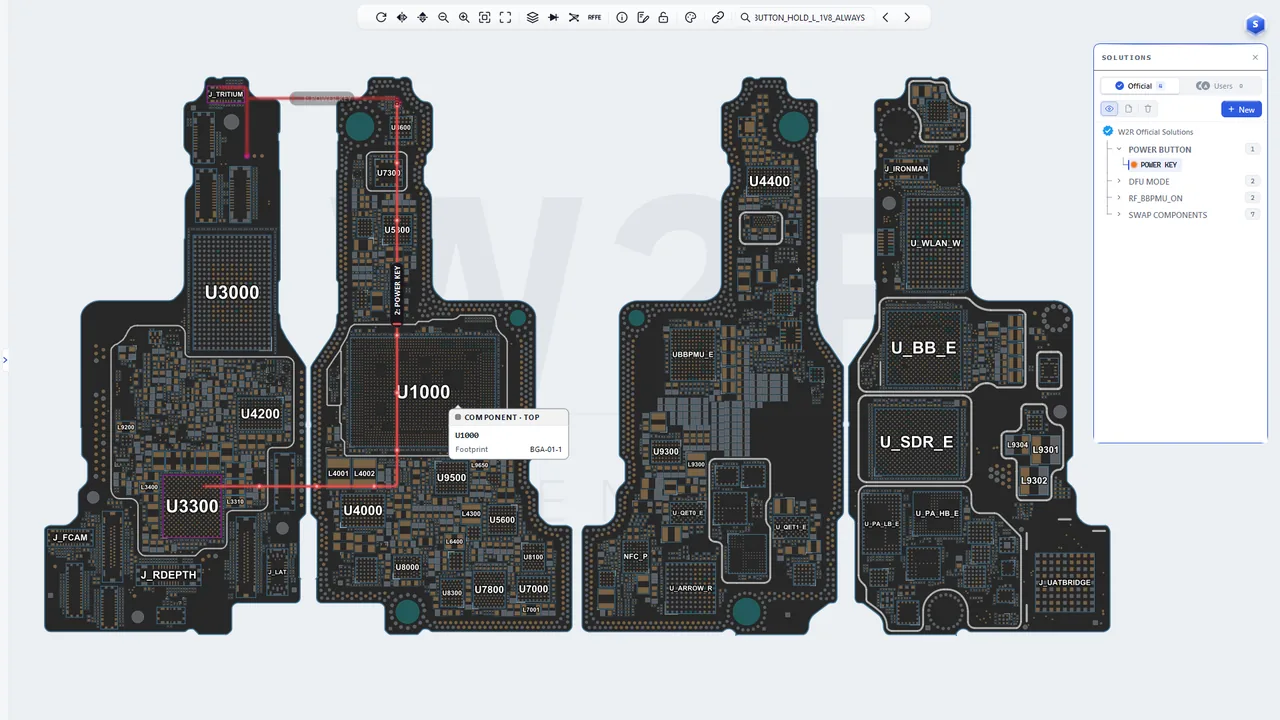
5. Product images
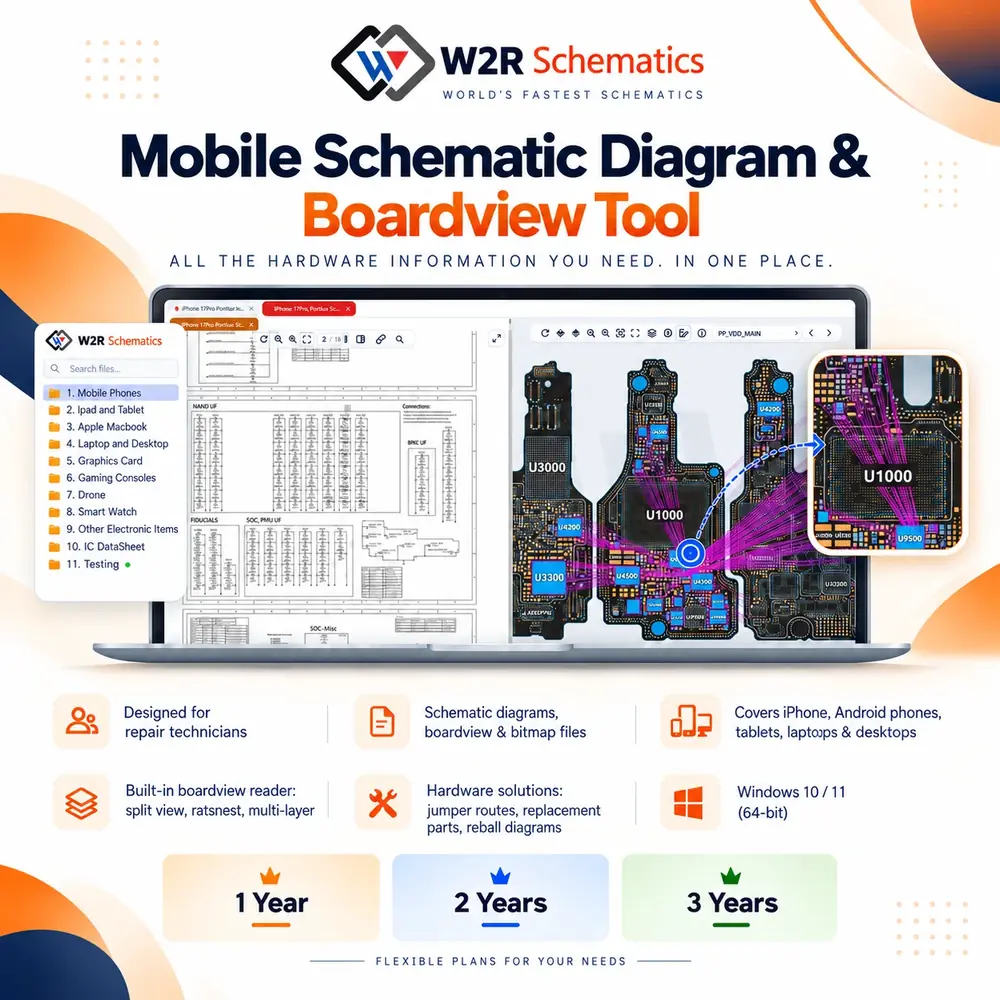
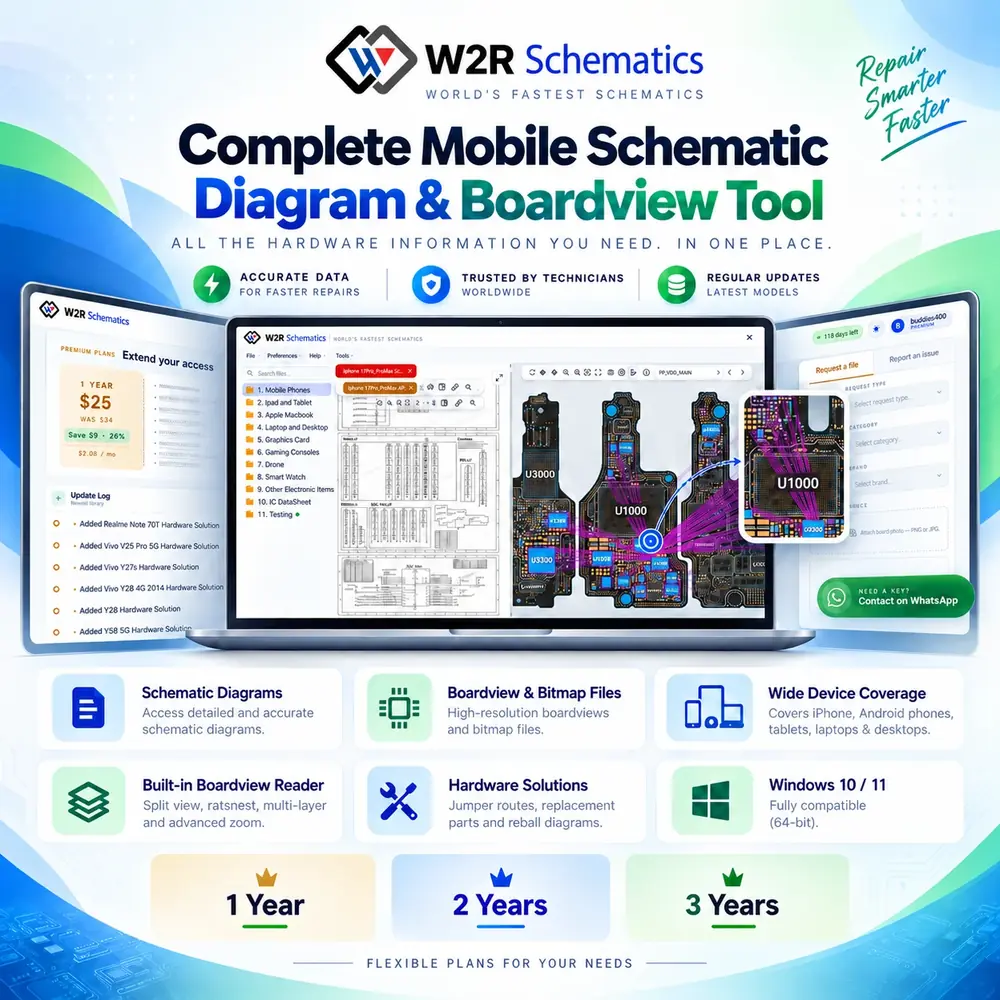
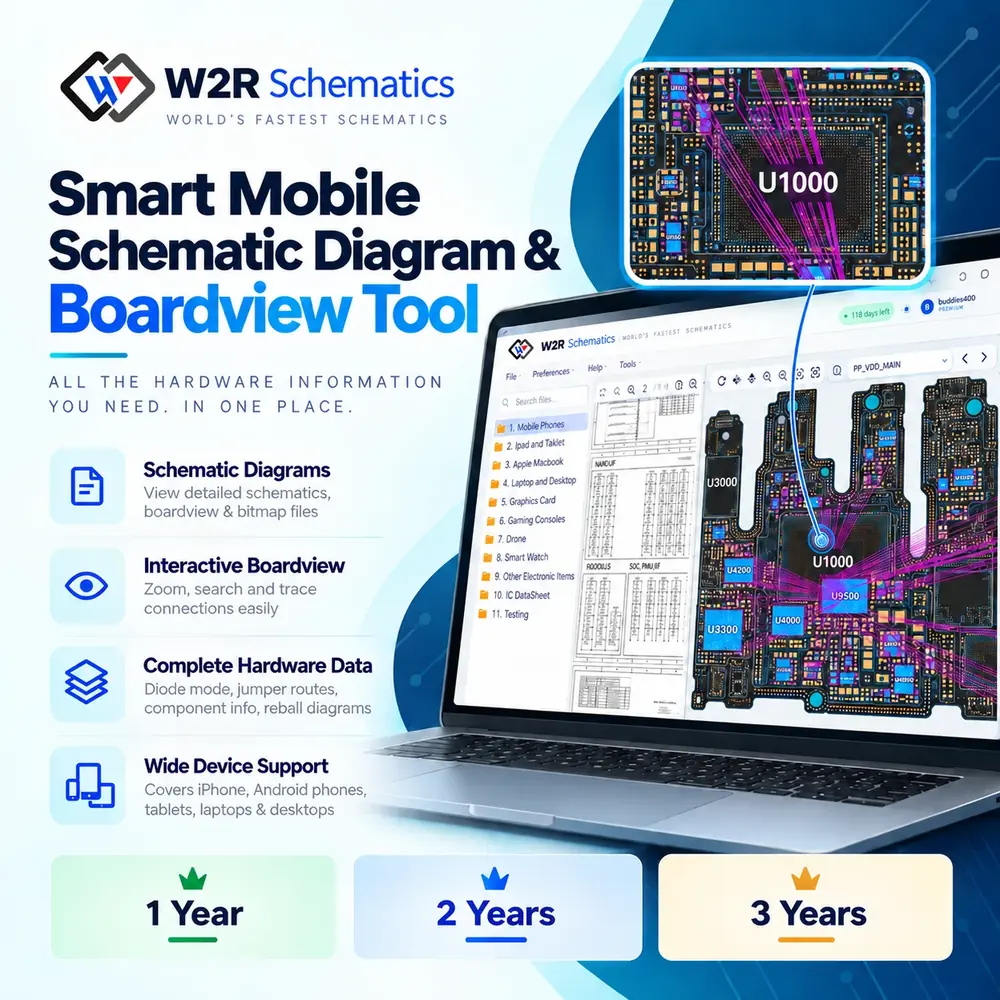
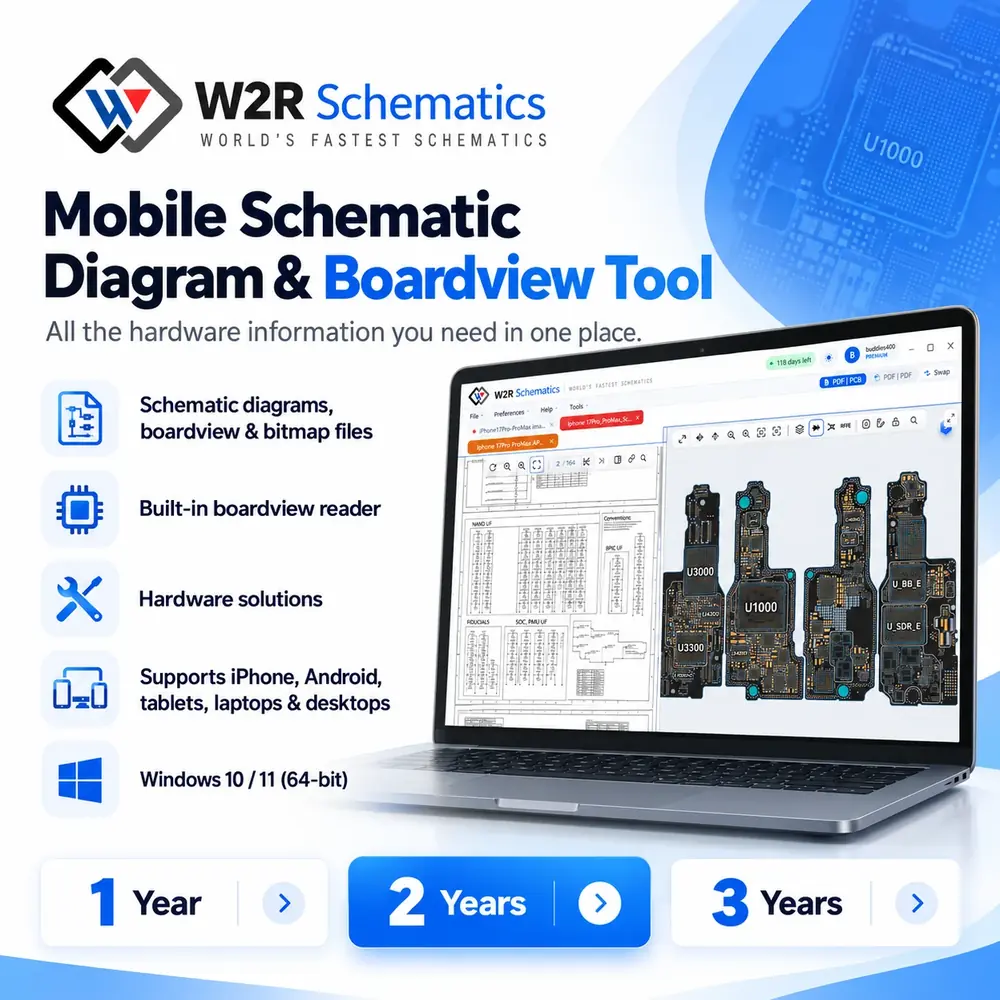
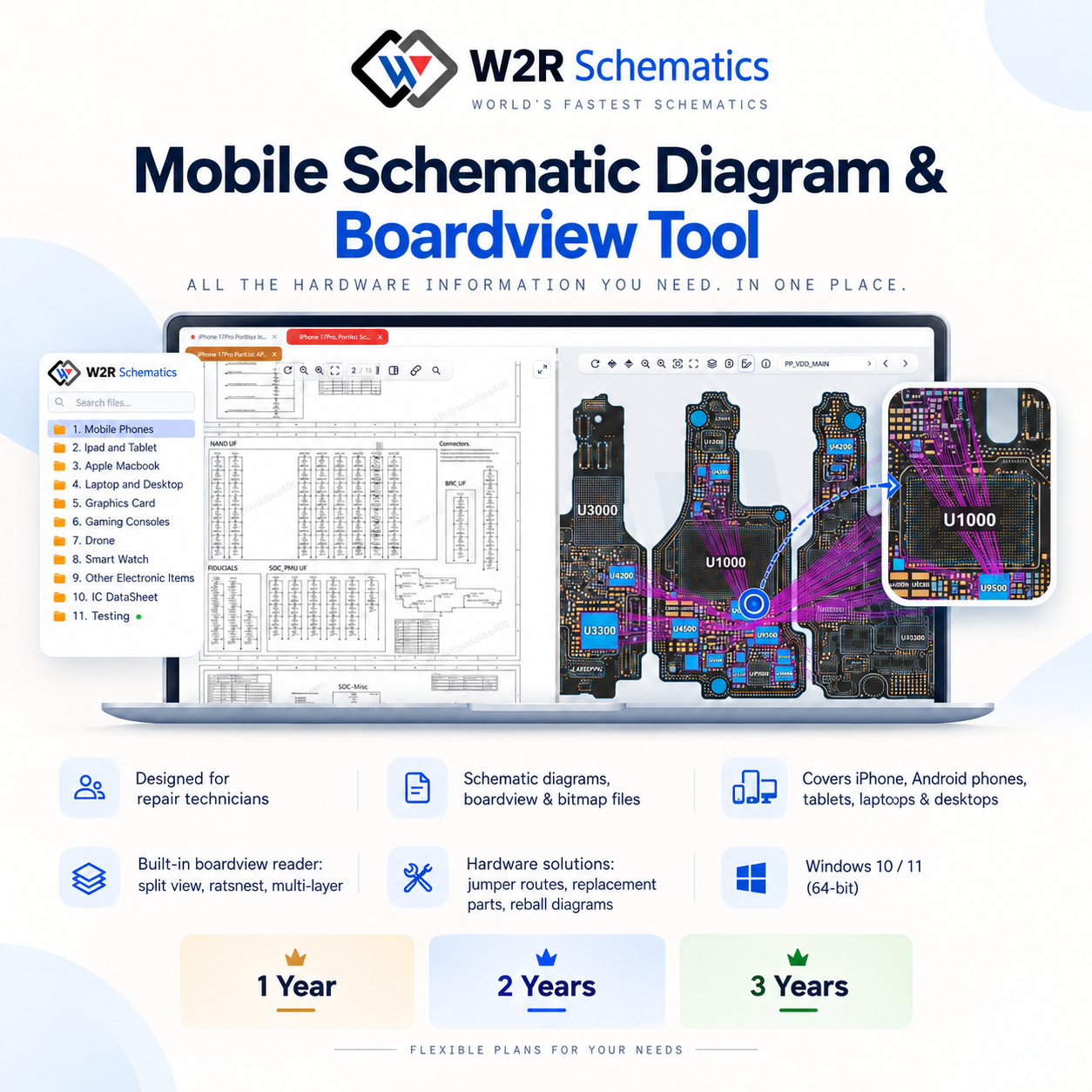
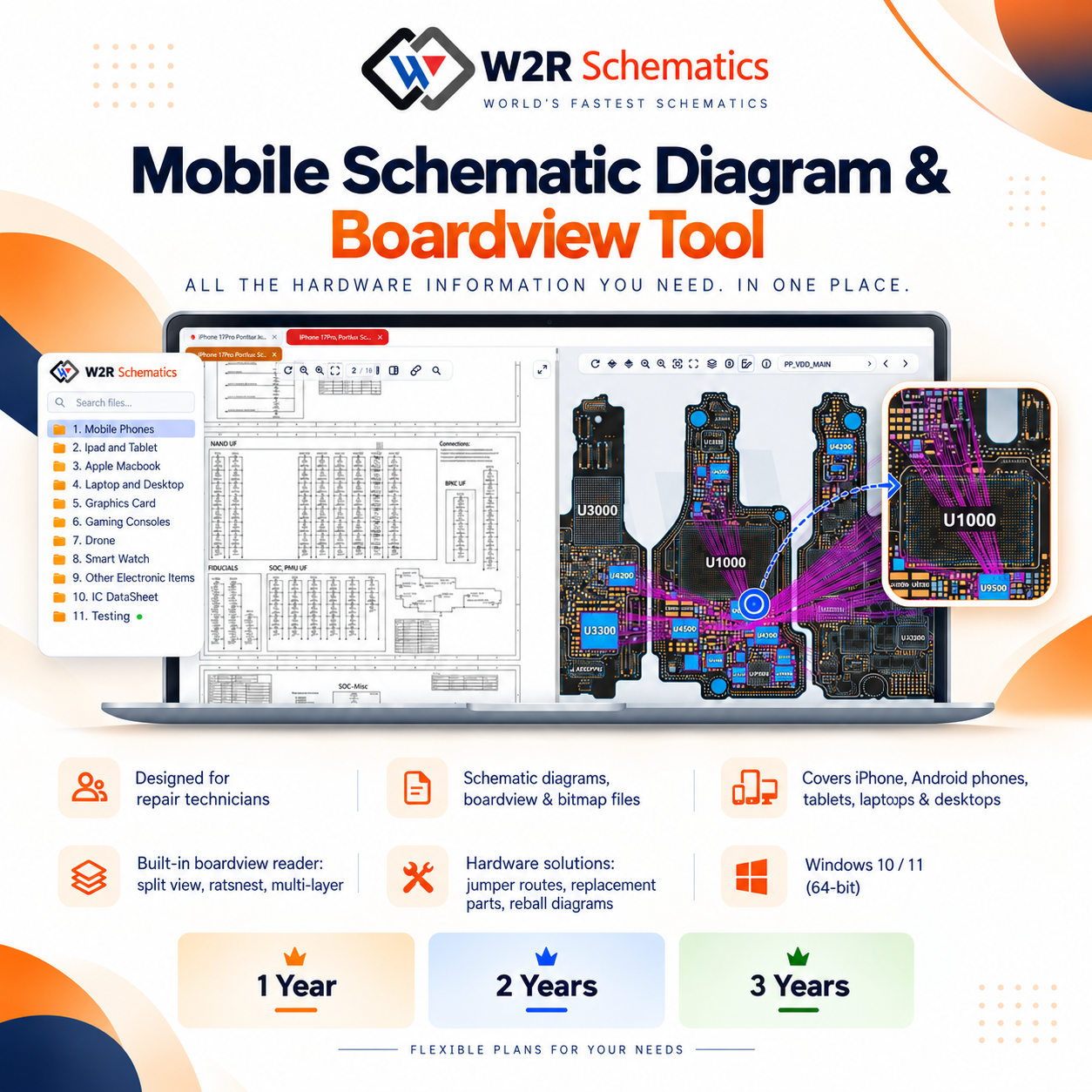
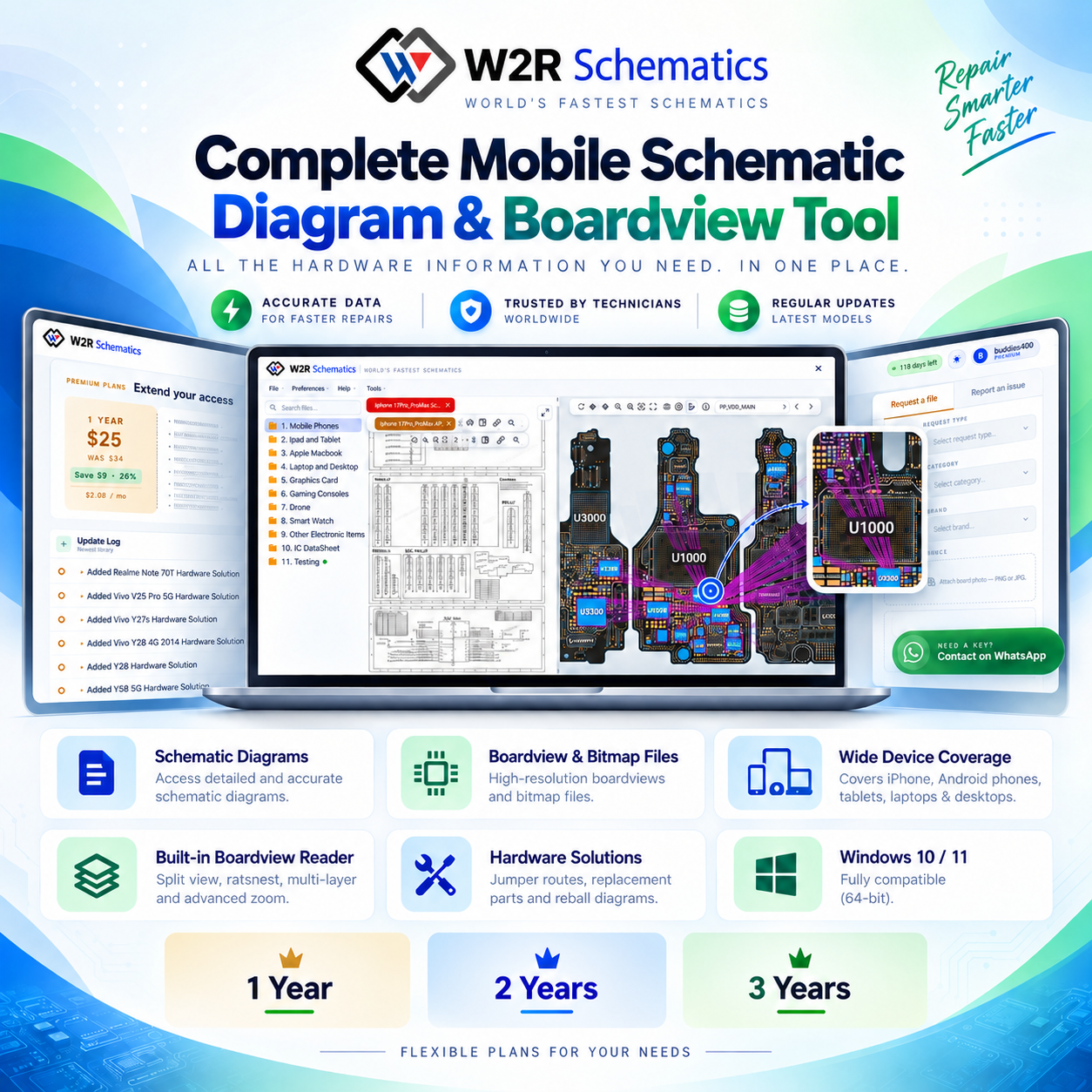
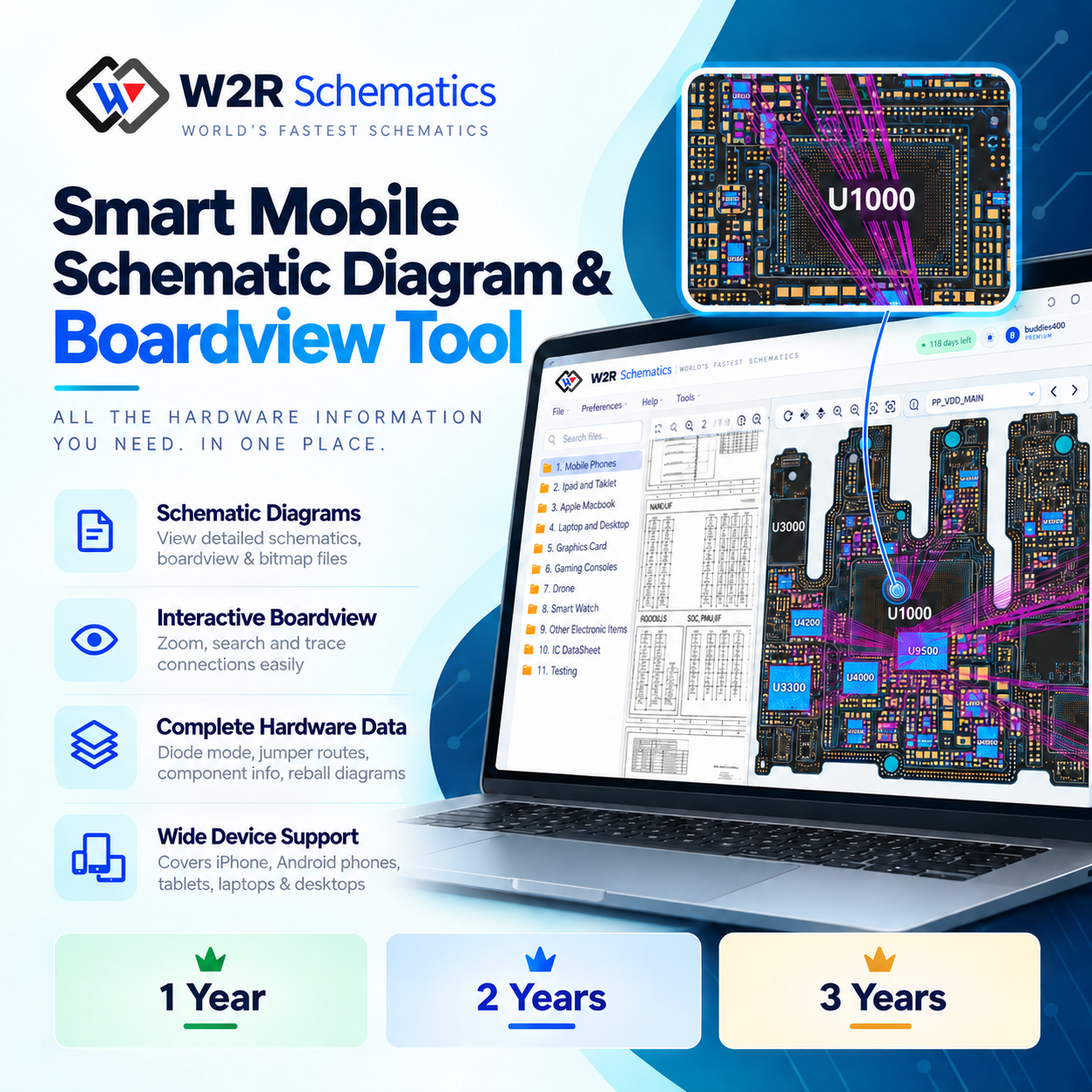
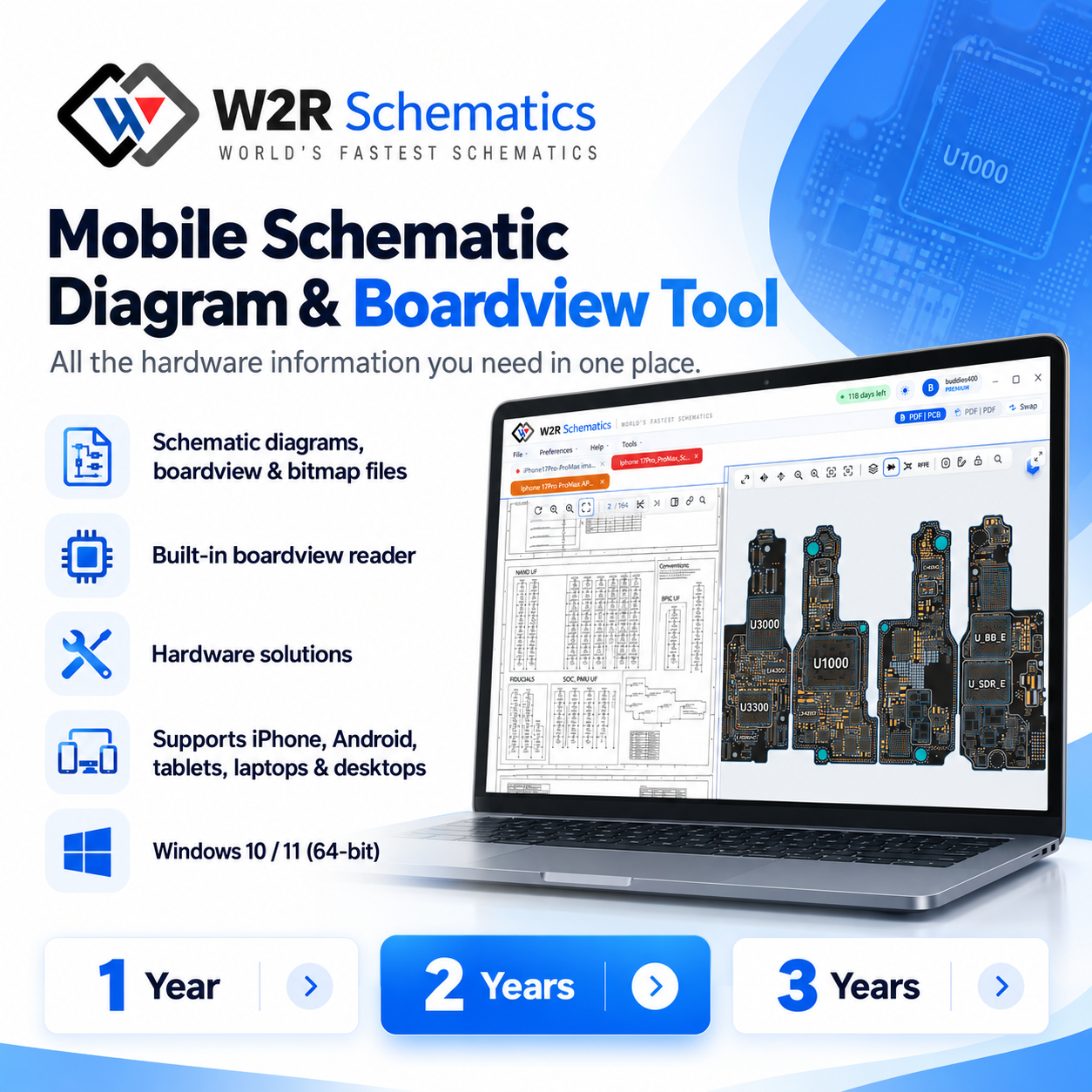
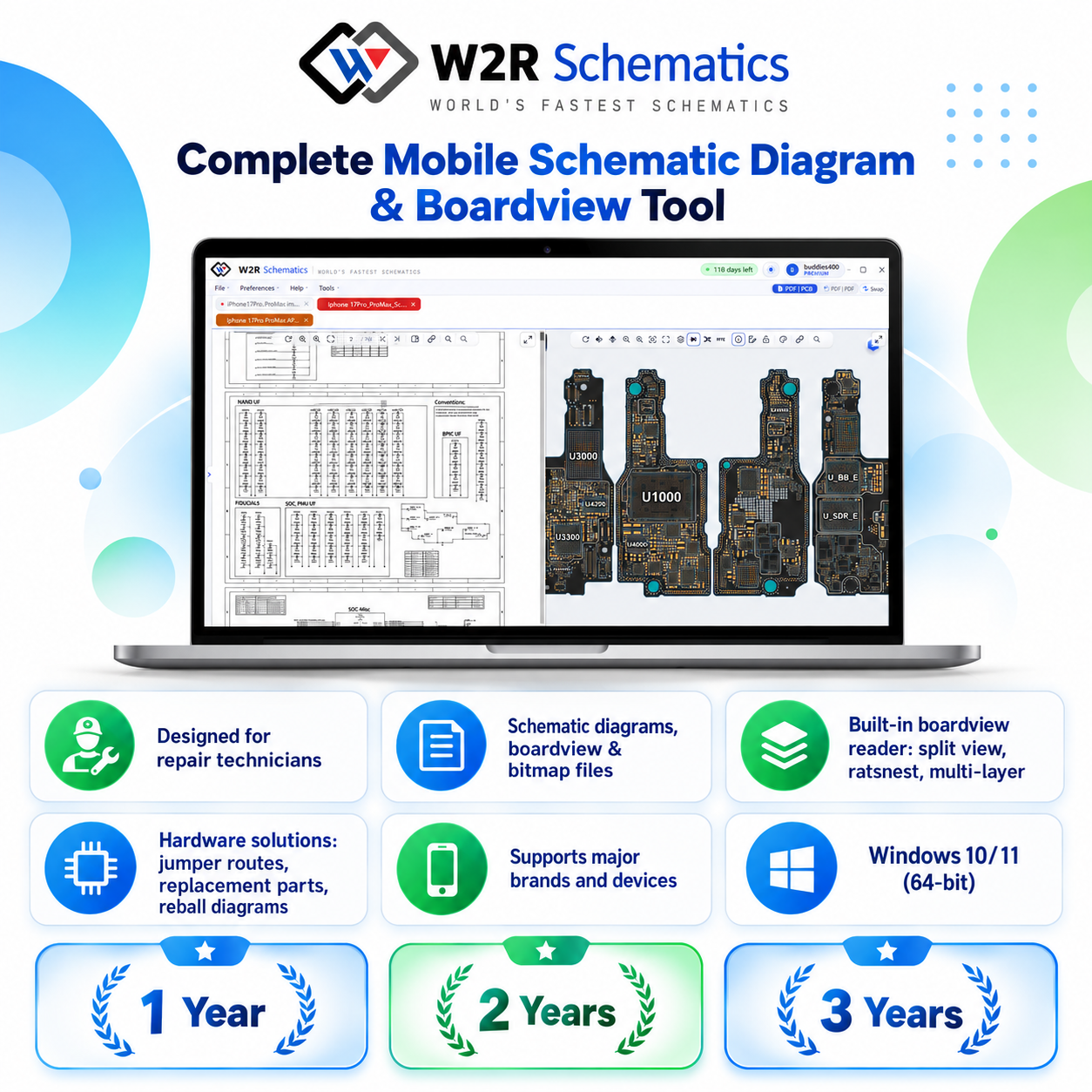
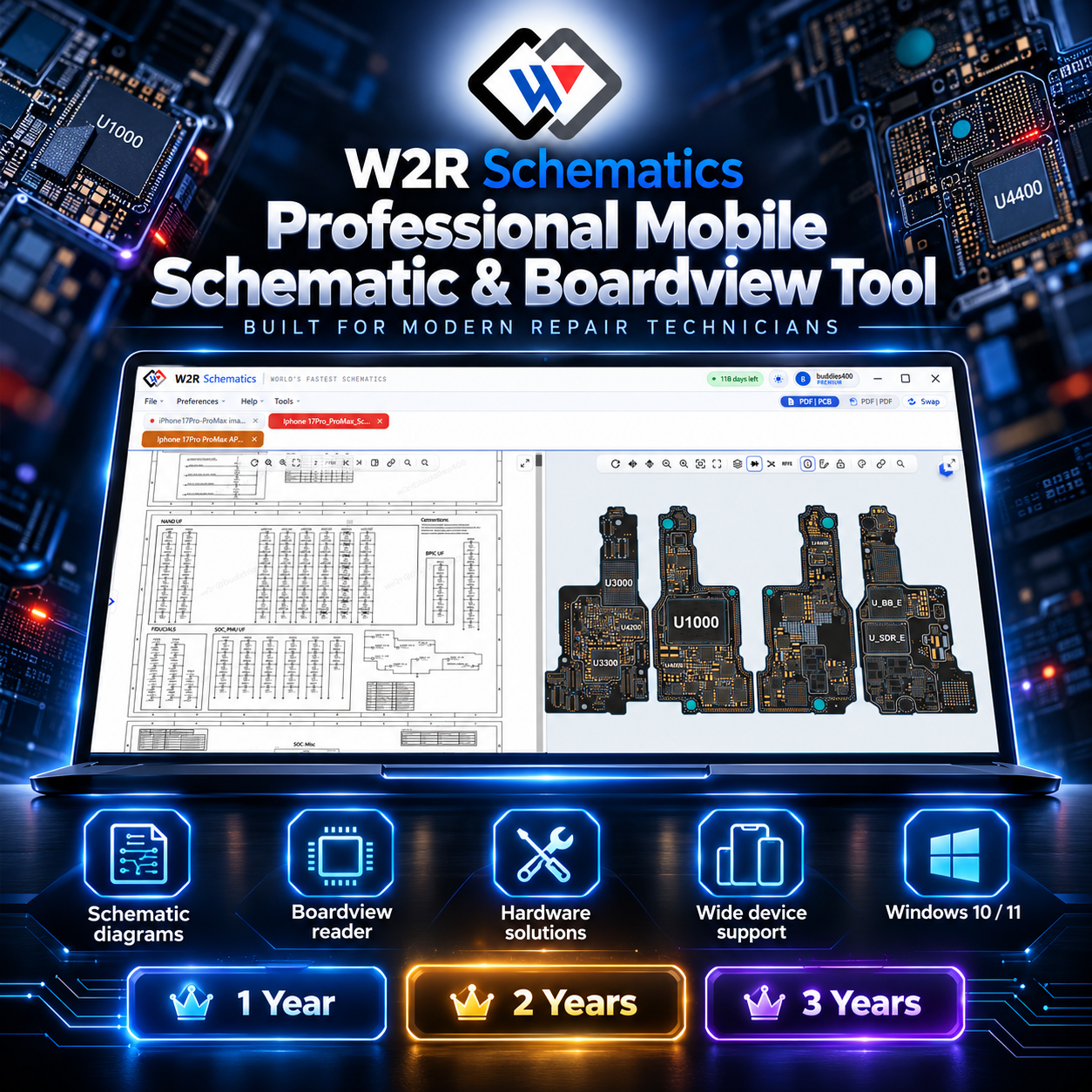
Ready-made product images for your shop listing (1254×1254). Tap an image to preview it, Use to show it in the example listing below, and the download button to save it in the format you pick.
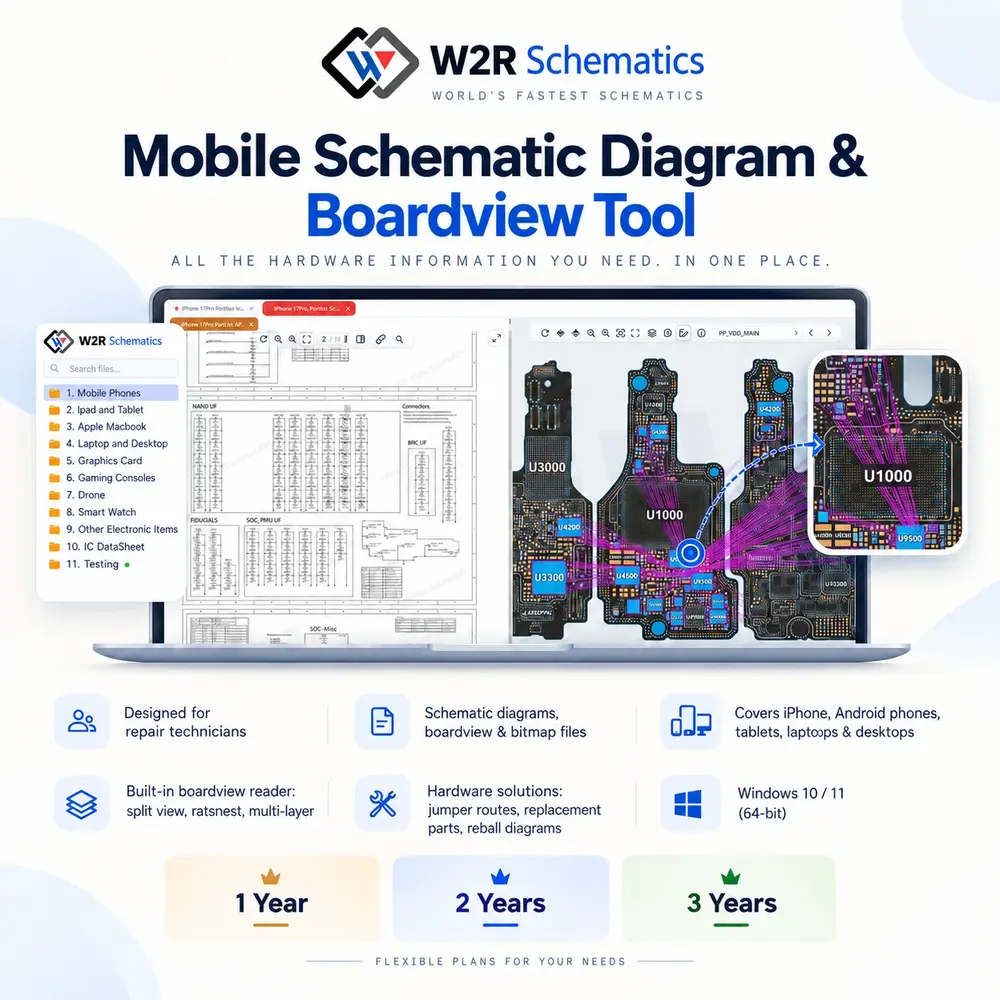
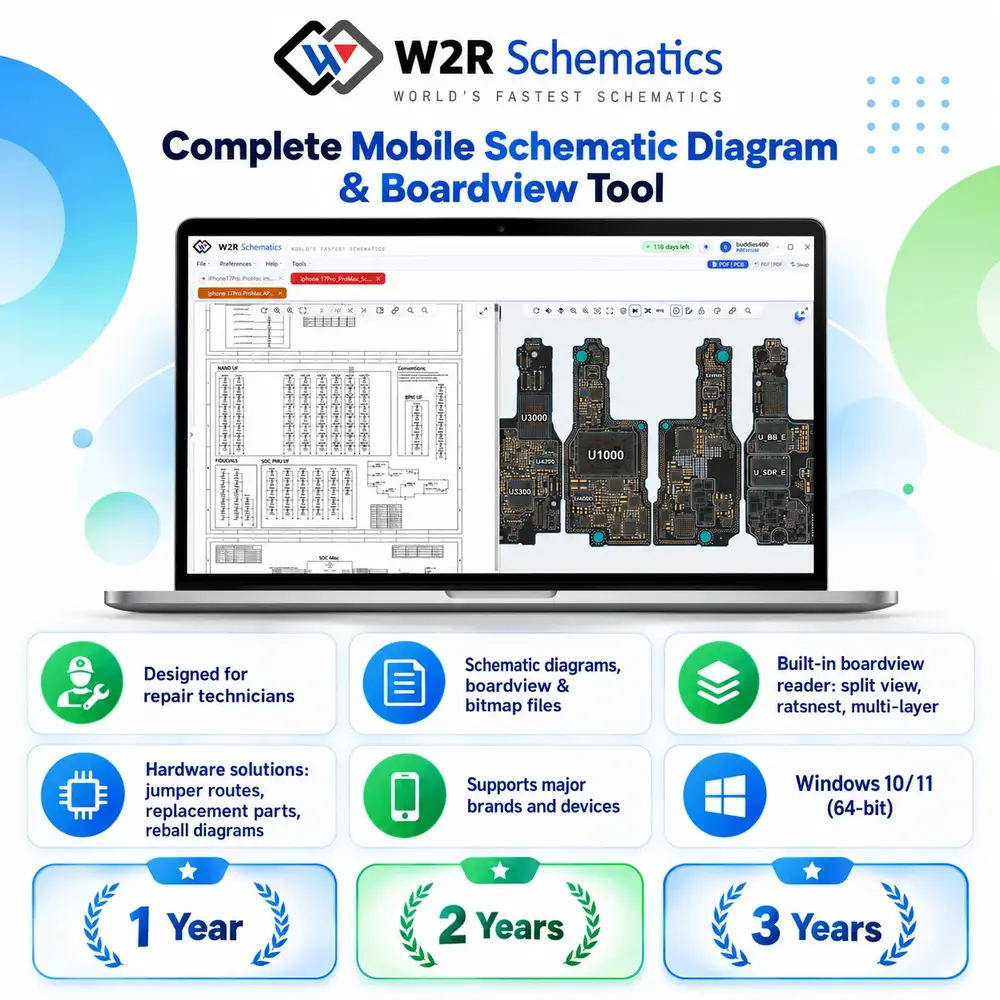
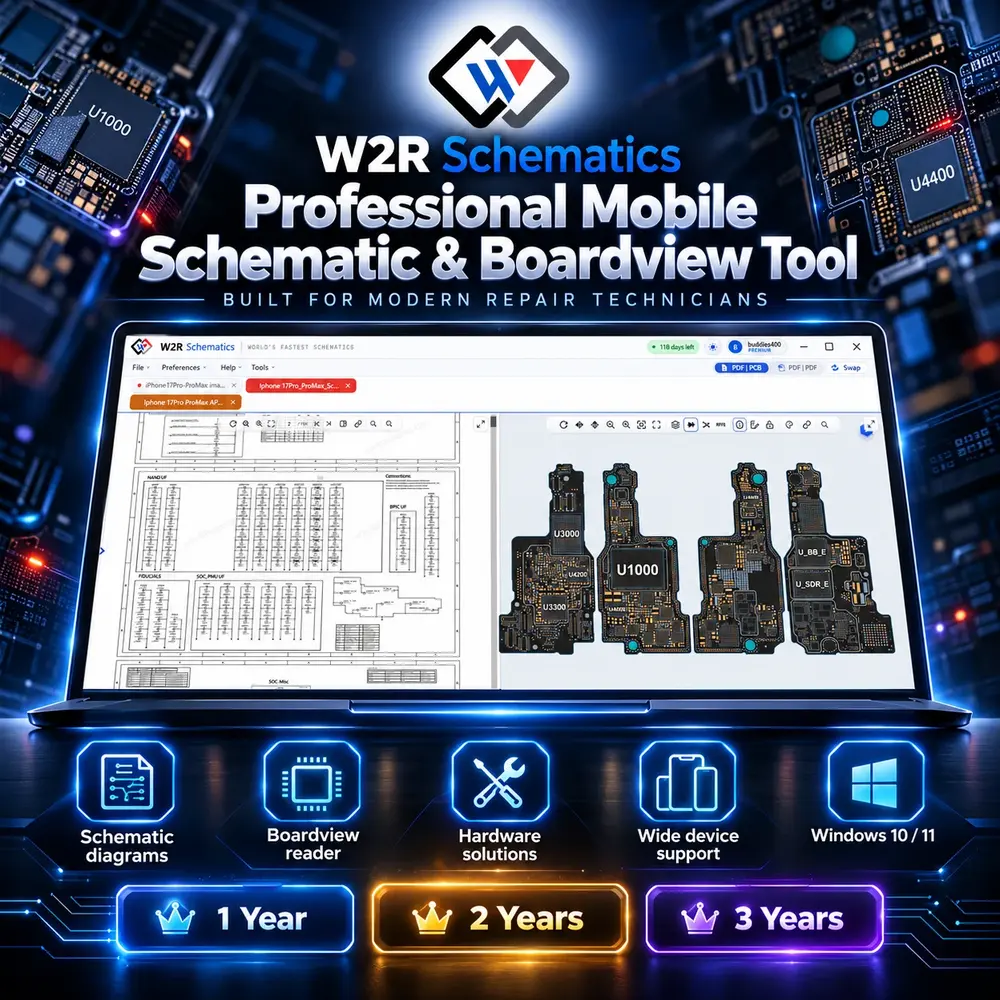
6. Example product listing
A sample of how to list W2R Schematics in your shop or on your website. Use it as a guide for your own listing.

W2R Schematics – Mobile Schematic Diagram & Boardview Tool
W2R Schematics – Mobile schematic diagram, boardview and bitmap tool for repair technicians.
- Schematic diagrams, boardview and bitmap files
- iPhone & Android phones (20 brands), tablets, laptops, desktops, consoles, drones and smartwatches
- Built-in boardview reader: split view, ratsnest, multi-layer
- Hardware solutions: jumper routes, replacement parts and reball diagrams drawn over the board
- Windows 10 / 11 (64-bit) desktop app
Plans: 1 Year · 2 Years · 3 Years
Price: [your price]
Official website: W2R Schematics – Mobile Schematic Diagram & Boardview Tool
- Title: keep the product name exactly as W2R Schematics.
- Images: use one of our product images as the main image; add screenshots as extra gallery pictures if your shop allows — as they are, without cropping or adding another brand’s watermark.
- Link: always include the official website link, so buyers can check the product is genuine.
- Price: replace [your price] with your own.